MiniMax H3 Image Edit Launch: 16 Refs, $0.009

The short answer
MiniMax H3 Image Edit, the editing mode of MiniMax H3 Image, launched around Nov 10, 2026 with open weights, up to 16 reference images and output up to 20 megapixels. In the AdGraam Playground, 1K/2K edits cost 1.8 credits ($0.009) and 4K edits cost 5.5 credits ($0.0275). It also runs in ComfyUI and is callable through API providers.
On this page (11 sections)
What is MiniMax H3 Image Edit?
MiniMax H3 Image Edit is the editing mode of MiniMax H3 Image, an open-weight image model from MiniMax that handles text-to-image generation and multi-reference editing in one model. It edits or composes images from 1 to 16 references and outputs up to 20 megapixels.
Update: the model is now confirmed and live. OpenRouter lists it as released Nov 10, 2026, with MiniMax as the provider, and weights are linked on Hugging Face. A post from u/Atagor calls it a "one-checkpoint" edit model, and u/Ant_6431 shared the edit release on Nov 15.
Earlier coverage: MiniMax H3 Ultrafast in Viggle covers the same model family in video.
MiniMax H3 Image Edit release date and availability
MiniMax H3 Image was released on Nov 10, 2026, according to OpenRouter's listing, which shows MiniMax as its only provider. The model runs in the AdGraam Playground, in ComfyUI, and through API providers.
ComfyUI offers native nodes and Partner Nodes, locally or on Comfy Cloud. Its page describes the model as open-weight and says the Run and Image Editing buttons open workflows on Comfy Cloud without a local install. SECourses, a creator channel, uploaded a ComfyUI walkthrough on Nov 11.
MiniMax H3 Image Edit key features and specs
The model takes up to 16 references and supports targeted edits, style changes and multi-image composition. Output goes up to 20 megapixels, and the first reference's aspect ratio is followed by default in the Playground edit mode.
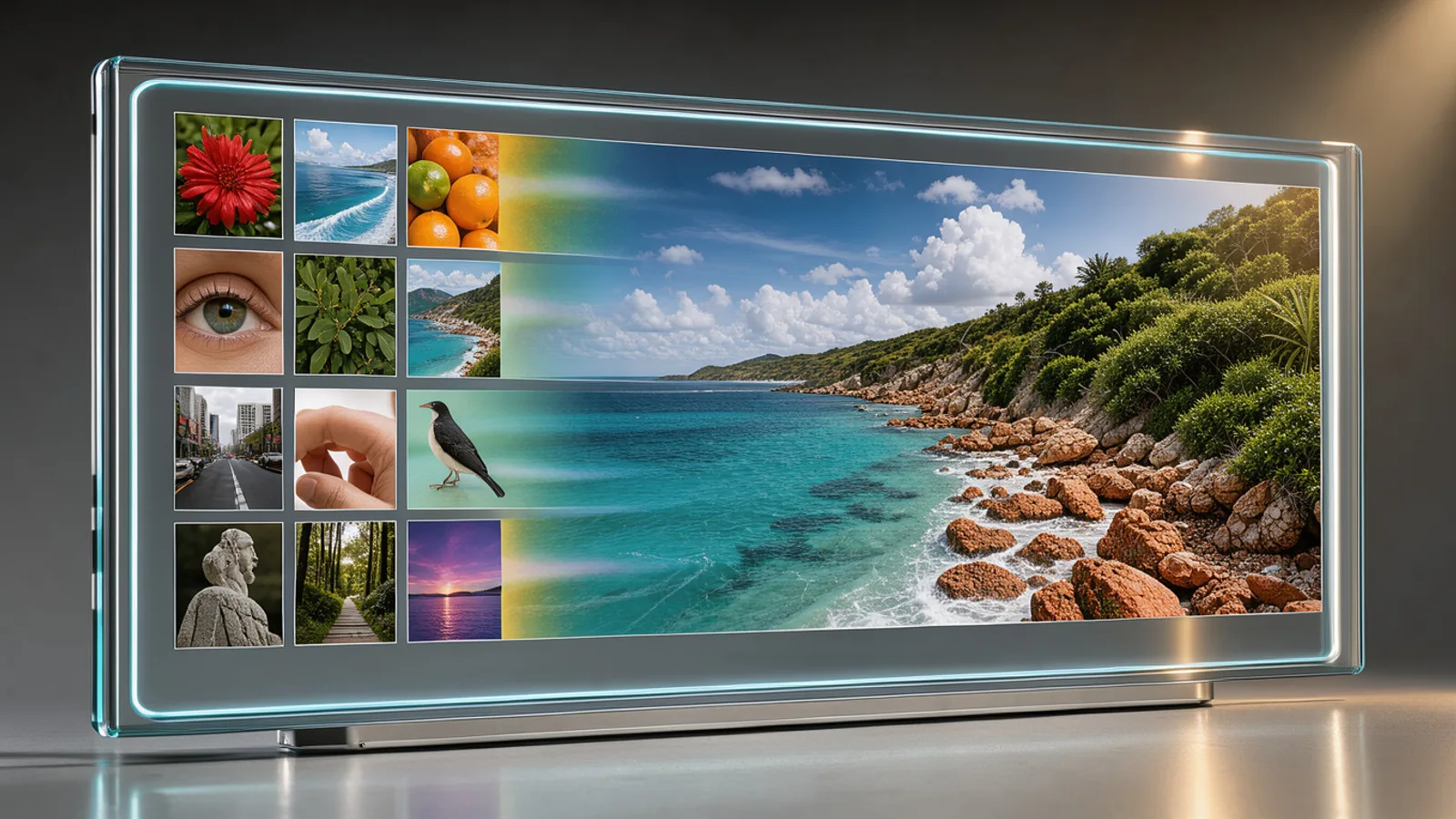 A grid of reference photos feeding into one large high resolution print
According to SECourses, the model has 33.1B parameters and generates at 4096 × 4096 in 6 sampling steps with no upscaler. That is a creator's description, not a MiniMax spec sheet.
| Spec | Details |
|---|---|
| Reference images | 1 to 16 |
| Max output | Up to 20 MP |
| Aspect ratios (Playground) | follows first image, plus 1:1, 5:4, 4:3, 3:2, 16:9, 21:9, 4:5 |
| Resolution tiers (Playground) | About 1 MP, about 4 MP, about 16 MP |
| Seed | 0 to 2147483647 |
| Output formats | png, jpeg |
| Prompt expansion | On by default, recommended |
| Prompt limit (ComfyUI native) | 4,096 tokens |
| Parameters (per SECourses) | 33.1B |
Prompting is simple in the Playground: refer to images as Picture 1, Picture 2 and so on, in upload order. In ComfyUI, ask for detailed descriptions and explain what to change and how each reference should be used. SECourses shows edits as one plain sentence with no mask, naming what must stay the same.
Speed numbers from SECourses, on an RTX 5090 with 6 steps and the prompt enhancer excluded: 1 MP took 3.4 seconds, 4 MP 5.7 seconds and 16 MP 15.7 seconds. OpenRouter lists a median end-to-end latency of 17.93 seconds through MiniMax's hosted API.
MiniMax H3 Image Edit pricing and free access
In the AdGraam Playground, MiniMax H3 Image edit costs 1.8 credits ($0.009) per image at 1K / 2K (up to 4.5 MP) and 5.5 credits ($0.0275) at 4K (up to 20 MP). Text to image uses the same rates.
| Model | Tier | Price per image |
|---|---|---|
| H3 Image Edit | 1K / 2K (≤4.5 MP) | 1.8 credits ($0.009) |
| H3 Image Edit | 4K (≤20 MP) | 5.5 credits ($0.0275) |
| H3 Image Text to Image | 1K / 2K | 1.8 credits ($0.009) |
| H3 Image Text to Image | 4K | 5.5 credits ($0.0275) |
| H3 Image Highspeed Edit | 1024×1024 | $0.0219 |
| H3 Image Highspeed Edit | 2048×2048 | $0.053 |
OpenRouter lists $1.50 per 1M image input tokens, $3.80 per 1M image output tokens and $2.30 per 1M text input tokens. One example there, a 5024×3360 image, cost $0.06866 and took 17.5 seconds.
Comfy Cloud gives 5 free runs with no credit card, then Standard starts at $20 per month. Running the open weights locally costs only your hardware. See AdGraam pricing for credit packs.
How to use MiniMax H3 Image Edit for AI video and static ads
For ad teams, the appeal is that a single edit can use up to 16 references, and a 1K / 2K image costs $0.009. Feed a product shot, a brand style frame and a background reference, then say how each should be used.
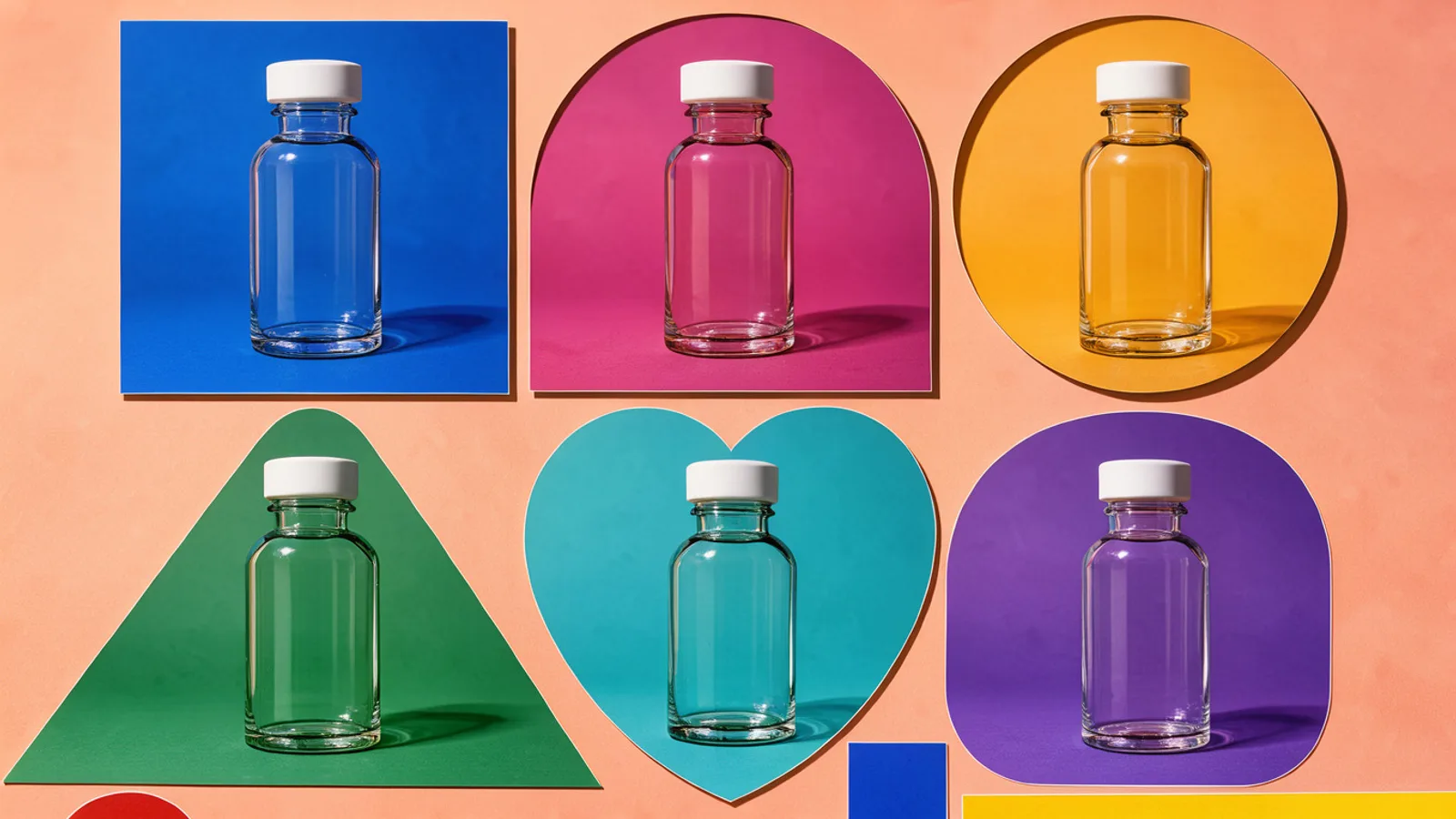 A single product shown in several backgrounds and crop shapes for ad variants
Practical uses:
- Swap backgrounds and seasonal scenes while keeping the product.
- Build square, 4:5 and 16:9 variants from one reference set.
- Make cheap 1K drafts, then rerun the winners at 4K.
- Create still frames to feed image-to-video models for hooks and b-roll.
A Comfy example shows a yellow taxi replaced with a pink ice-cream truck, and SECourses shows a room furnished from 4 photos and letter-perfect posters. No source shows how well it holds product labels or logos, so test text fidelity before scaling.
Run side-by-side tests in the AdGraam Playground, then chain generate, edit and upscale steps in Flow Builder. For product-URL statics, see the Creative Generator and the static ads guide.
MiniMax H3 Image Edit vs Highspeed
The standard edit model is cheaper per image in the Playground: $0.009 at 1K / 2K versus about $0.0219 for Highspeed at 1024×1024. Highspeed offers 1 to 10 images per run and size presets such as Portrait 9:16 and Landscape 16:9.
No source here gives a speed or quality benchmark between the two. Use the standard model when cost matters most. Try Highspeed if you want up to 10 images from a single run.
What to watch next
The license terms for commercial work are not stated in the available text, so read the Hugging Face page before running paid ads. Independent tests on text rendering, product consistency and likeness across 16 references have not been published yet.
Also watch whether MiniMax announces its own pricing tiers for H3 Image beyond the OpenRouter token rates.
What people are posting
MiniMax H3-Image one-checkpoint Edit
Minimax h3 image edit
Key takeaways
- MiniMax H3 Image Edit takes 1 to 16 reference images, referred to in the prompt as Picture 1, Picture 2 and so on, in upload order.
- OpenRouter lists MiniMax H3 Image as released Nov 10, 2026, with output up to 20 megapixels and aspect ratios from 1:3 to 3:1.
- In the AdGraam Playground, a 1K / 2K edit (up to 4.5 MP) costs 1.8 credits ($0.009) and a 4K edit (up to 20 MP) costs 5.5 credits ($0.0275).
- Open weights are on Hugging Face, and ComfyUI runs the model with native nodes or Partner Nodes, locally or on Comfy Cloud.
- SECourses reports a 33.1B parameter model that samples in 6 steps; on an RTX 5090, 16 MP took 15.7 seconds.
- The Highspeed edit variant costs about $0.0219 at 1024×1024 and $0.053 at 2048×2048 in the Playground.
Compare 200+ AI video and image models side by side
Run Kling, Veo, Sora, Seedance, Flux, Ideogram and Recraft in one Playground, or turn any product URL into ready-to-launch ads.
Frequently asked
When was MiniMax H3 Image Edit released?
OpenRouter lists MiniMax H3 Image as released on Nov 10, 2026. Community posts about the edit mode began appearing on Nov 11, and the model is now live in the AdGraam Playground.
How much does MiniMax H3 Image Edit cost?
In the AdGraam Playground, a 1K / 2K edit (up to 4.5 MP) costs 1.8 credits ($0.009) and a 4K edit (up to 20 MP) costs 5.5 credits ($0.0275). OpenRouter lists $1.50 per 1M image input tokens and $3.80 per 1M image output tokens.
Is MiniMax H3 Image Edit free to try?
The weights are open, so you can run it locally in ComfyUI if you have a capable NVIDIA GPU. Comfy Cloud offers 5 free runs with no credit card, then plans start at $20 per month.
How many reference images can it use?
Up to 16. You describe in the prompt how each reference should inform the result, and in the AdGraam Playground you refer to them as Picture 1, Picture 2 and so on, in upload order.
Can you use MiniMax H3 Image Edit for commercial ads?
Comfy's page has a section headed about licensing H3 for commercial work, but the available text is cut off and does not state the terms. Check the license on the Hugging Face model page before running paid campaigns.
What is the difference between H3 Image Edit and Highspeed?
Both edit with up to 16 references and output up to 20 megapixels. In the Playground, Highspeed offers 1 to 10 images per run and fixed size presets, at about $0.0219 per image at 1024×1024 versus $0.009 for the standard 1K / 2K tier.
Sources
More AI model news & creative guides

MiniMax H3 Image Highspeed: 20MP, $0.0219/Image
MiniMax H3 Image Highspeed text to image is live: sizes up to 20MP, from $0.0219 per image. Get the spec table, ad workflow breakdown and access details.

FLUX 3 Image Edit: 10 Refs, 4K & $0.048/MP
FLUX 3 Image Edit from Black Forest Labs takes up to 10 references and outputs up to 4K at $0.048 per megapixel. Get the spec table, ad workflow and access.

VEED Dubbing Pro: 94 Languages, $0.18/sec Video Translate
VEED Dubbing Pro Video Translate dubs 10 minute videos into 94 languages with lip-sync at $0.18 per second. Get the spec table, ad workflow and access details.
Best AI Ad Generators for D2C Brands in 2026
Ten AI ad generators compared for D2C and e-commerce brands: what each makes, real starting prices, free options, and which suits Indian brands paying in rupees.
Break Even ROAS for COD Orders: How RTO Changes the Math
How to work out break even ROAS when a share of COD orders comes back as RTO, with worked rupee examples, a prepaid and COD mix, and why Ads Manager ROAS overstates COD.
What Indian D2C Brands Run on Meta: 2,790 Ads Analyzed
We studied 2,790 Facebook and Instagram ads from 14 Indian brands and their 747 longest-running ads: formats, angles, offers, languages and CTAs that last.
Your move
See your product as a winning ad
Turn a product URL into static ads and UGC-style videos, rebuild the competitor ads that already work, and read your Meta data to know what to make next.
AdGraam News DeskAI video and image news
The AdGraam News Desk (part of AdGraam, also searched as Adgram or Adgram AI) tracks AI image and video model launches, leaks and rumors from labs, leakers and creators, and checks each claim against its sources. Unconfirmed stories say so, and each page is updated as its story develops.