ComfyArt: Open-Source Canvas Wins BFL Challenge

The short answer
Black Forest Labs named ComfyArt, an open-source design and editing canvas built on ComfyUI by developer jtydhr88, the winner of its ComfyUI challenge on November 10. According to its creator, it runs on your own GPU or on Comfy Cloud via the Comfy API, uses open-weights models only, and a RunComfy listing says it installs through ComfyUI Manager.
On this page (10 sections)
Black Forest Labs named ComfyArt the winner of its ComfyUI challenge on November 10, 2026. In a post from @bfl_ai, the lab called it "an open-source design and editing canvas built on ComfyUI." The project is by developer jtydhr88.
BFL did not publish the project itself, and the tool is not a Black Forest Labs product. This is a community release that BFL is promoting as a contest winner.
What is ComfyArt?
ComfyArt is a free, open-source AI design workspace built into ComfyUI. According to its RunComfy listing, it combines an infinite canvas, editable text and layouts, reference management, multimedia generation and an optional tool-using design assistant.
 An endless digital canvas with floating panels and shapes arranged like a design studio wall
The listing says you can place reference images, generate artwork, arrange text and shapes, try layouts and prepare a finished design for export, without switching between separate apps.
The author describes it in the quoted post as an "AI design canvas built on ComfyUI." The hashtag attached to the post is #OpenSourceHiggsfield, which ties it to the community campaign to rebuild Higgsfield-style features with open models.
ComfyArt release date and availability
ComfyArt is available now as a ComfyUI extension, according to the RunComfy listing. BFL announced it as the challenge winner on November 10, 2026, and the listing shows a latest update of November 5, 2026.
Installation goes through ComfyUI Manager, per the listing:
- Click Manager in the main menu.
- Open Custom Nodes Manager.
- Search for ComfyArt.
- Restart ComfyUI, then refresh your browser.
The GitHub repo, listed under jtydhr88, showed roughly 0.46K stars. A tracker cited by Tokenstrom put ComfyArt at around 400 stars, second to Openjutsu among the contest entries.
ComfyArt key features and specs
According to its creator, ComfyArt runs in ComfyUI, either on your GPU or on Comfy Cloud through the Comfy API, and works with open-weights models only. A detailed spec sheet has not been published.
| Spec | Details |
|---|---|
| Type | Open-source design canvas, ComfyUI extension |
| Author | jtydhr88 |
| Canvas | Infinite canvas |
| Editing | Editable text, shapes and layouts, reference management |
| Generation | Image plus multimedia generation |
| Assistant | Optional tool-using design assistant |
| Models | Open-weights only (per creator) |
| Runtime | Local GPU, or Comfy Cloud via Comfy API (one setting, per creator) |
| Install | ComfyUI Manager |
| Nodes | 2 |
| License | Not shown |
| Supported model list | Not announced |
The author says there is "no build, no deploy," and that the same workflows run locally or in the cloud after one setting changes.
ComfyArt vs other ComfyUI contest entries
ComfyArt is one of 102 entries counted by the Jutsu Studio list, as reported by Tokenstrom. The contest, #OpenSourceHiggsfield, asked for working apps with a user interface built on Comfy's developer platform and published on GitHub under an open-source license.
Per that report, the most popular entry is Openjutsu, with more than 1,600 GitHub stars, followed by ComfyArt at around 400 and ComfyUI-Continuity at around 140. Most entries are all-in-one studios (26), then camera and reshoot tools (15) and character swapping tools (14).
ComfyArt stands out because it is a design and layout canvas rather than a video studio. The contest also drew a trademark letter from Higgsfield over the name, according to Tokenstrom, which says Comfy's response was that the challenge stays up. That dispute concerns the contest branding, not ComfyArt's code.
For a related local-first option, see AdGraam's coverage of CreativeField, a free local ComfyUI studio.
How to use ComfyArt for AI video and static ads
ComfyArt looks most relevant to static ad work: laying out product shots, headlines and references on one canvas, then generating variants with open-weights models. Nothing published so far shows ad-specific templates or output examples.
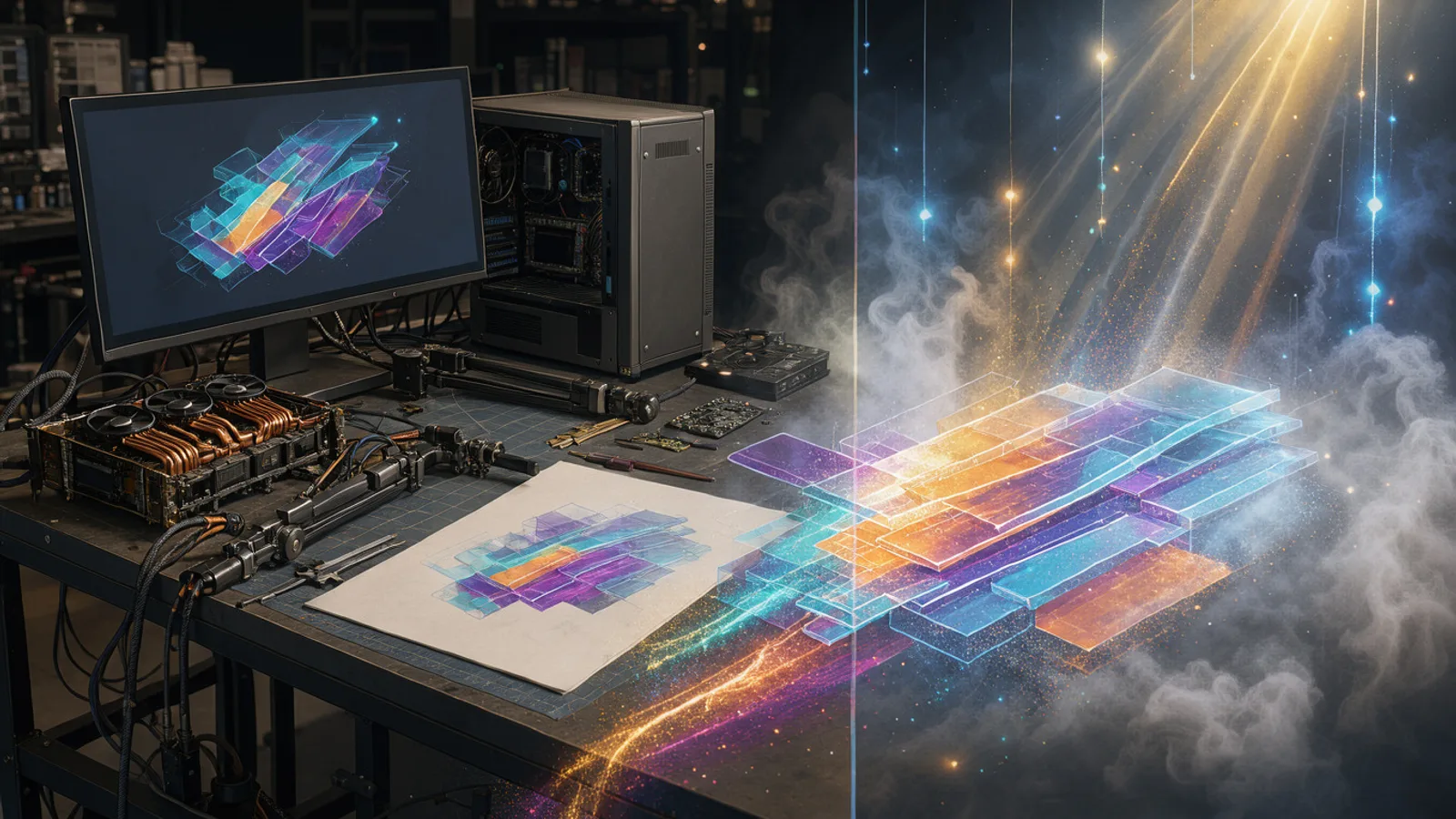 A local GPU workstation and a cloud light source feeding the same design layout
Where it could fit:
- Static ad concepts: build a layout with editable text, then iterate backgrounds and product scenes.
- Reference boards: keep competitor ad references, brand assets and product photos beside the work.
- Local control: teams that already run ComfyUI can keep assets on their own machines.
It also has clear drawbacks. It is open-weights only, so closed models cannot be used, and it needs a GPU or Comfy Cloud. Teams that want to compare many models, rebuild winning competitor formats or chain image and video steps without managing hardware can use the AdGraam Playground, Creative Generator or Flow Builder. For a primer on the static side, read the guide to making static ads with AI.
What to watch next
Three things are open: the license terms in the repo, the list of supported open-weights models, and Comfy Cloud pricing for running ComfyArt workflows through the Comfy API. None of these have been detailed.
Also watch whether the contest entries keep their momentum after the November 10 announcement. Most entries have only a handful of GitHub stars, per Tokenstrom, and some ship without a license file. ComfyArt's star count suggests it has more traction than most.
What people are posting
🥇 Our winner for the ComfyUI challenge. An open-source design and editing canvas built on ComfyUI!
Key takeaways
- Black Forest Labs announced ComfyArt as its ComfyUI challenge winner on November 10, 2026.
- According to its RunComfy listing, ComfyArt is a free, open-source design workspace inside ComfyUI with an infinite canvas, editable text and layouts, and reference management.
- According to its creator jtydhr88 (not BFL), it runs locally on your own GPU, or on Comfy Cloud via the Comfy API by changing one setting.
- jtydhr88 also says it supports open-weights models only.
- The RunComfy listing shows about 460 GitHub stars and a last update of November 5, 2026.
- It was an entry in the #OpenSourceHiggsfield contest, which drew 102 entries according to one tracker cited by Tokenstrom.
Compare 200+ AI video and image models side by side
Run Kling, Veo, Sora, Seedance, Flux, Ideogram and Recraft in one Playground, or turn any product URL into ready-to-launch ads.
Frequently asked
What is ComfyArt?
According to its RunComfy listing, ComfyArt is a free, open-source AI design workspace built into ComfyUI by developer jtydhr88. The listing says it combines an infinite canvas, editable text and layouts, reference management and AI generation.
How do I install ComfyArt?
Per the RunComfy listing, open the Manager in ComfyUI, choose Custom Nodes Manager and search for ComfyArt. Restart ComfyUI afterward and refresh your browser to clear the cache.
Is ComfyArt free?
The RunComfy listing calls the software free and open source. Running it on your own GPU costs nothing beyond hardware, while Comfy Cloud usage through the Comfy API may carry its own pricing, which has not been detailed.
Which models does ComfyArt use?
According to its creator, it works with open-weights models only. A full model list has not been published.
Can I use ComfyArt for commercial ads?
ComfyArt's license terms have not been shown, so check the GitHub repo. Commercial rights for output also depend on the license of each open-weights model you run.
Sources
- ComfyArt detailed guide | ComfyUIruncomfy.com
- 102 open-source AI video studios and a legal threattokenstrom.com
This story is still unconfirmed: it is based on what people are posting, and the company behind it has not announced it yet. We will update this page as it develops.
More AI model news & creative guides

CreativeField: Free Local ComfyUI Studio Explained
CreativeField is a free, local ComfyUI studio for image, video and 3D, now with a built-in photo editor. Get the spec table, ad workflow notes and access details.

Image Upscale up to 8K: Specs & $0.06 Price
Image Upscale up to 8K is live in AdGraam Playground from 1.5 credits ($0.0075). Get the spec table, ad workflow breakdown and access details here.
CapCut Web Ultra: 7 Days Unlimited Seedream Images
CapCut Web Ultra reportedly offers 7 days of unlimited Seedream 5.5 and GPT Image 2.5 generation for Nov 13-19 buyers. Get the spec table, ad workflow tips and access.
Best AI Ad Generators for D2C Brands in 2026
Ten AI ad generators compared for D2C and e-commerce brands: what each makes, real starting prices, free options, and which suits Indian brands paying in rupees.
Break Even ROAS for COD Orders: How RTO Changes the Math
How to work out break even ROAS when a share of COD orders comes back as RTO, with worked rupee examples, a prepaid and COD mix, and why Ads Manager ROAS overstates COD.
What Indian D2C Brands Run on Meta: 2,790 Ads Analyzed
We studied 2,790 Facebook and Instagram ads from 14 Indian brands and their 747 longest-running ads: formats, angles, offers, languages and CTAs that last.
Your move
See your product as a winning ad
Turn a product URL into static ads and UGC-style videos, rebuild the competitor ads that already work, and read your Meta data to know what to make next.
AdGraam News DeskAI video and image news
The AdGraam News Desk (part of AdGraam, also searched as Adgram or Adgram AI) tracks AI image and video model launches, leaks and rumors from labs, leakers and creators, and checks each claim against its sources. Unconfirmed stories say so, and each page is updated as its story develops.