CreativeField: Free Local ComfyUI Studio Explained

The short answer
CreativeField, which its builders describe as a free, local creative studio built on ComfyUI, got an update, and Black Forest Labs publicly praised the team's work in a ComfyUI challenge. The builders say it covers images, video and 3D, plus a free AI-powered Photoshop alternative. Version details, system requirements and download links are not announced yet.
On this page (11 sections)
What is CreativeField?
CreativeField is a creative studio that its builders say is built on ComfyUI and handles images, video and 3D in one interface. The team describes it as free and local, and says it includes its own AI-powered photo editor as a Photoshop alternative.
The story surfaced when Black Forest Labs posted on X. In a post from @bfl_ai, dated 2026-11-10, the FLUX maker wrote "Great work by the team for the ComfyUI challenge. A feature-rich creative studio built on comfy," and added a silver medal emoji. The emoji may point to a second-place finish, but the post does not say so in words.
It quotes a post from @Creationeerxyz: "What if Higgsfield had the power of ComfyUI, but the simplicity of Photoshop? We updated CreativeField!" The post adds "Free, local AI creation for images, video and 3D" and the hashtag #OpenSourceHiggsfield.
CreativeField release date and availability
CreativeField has received an update, according to the team's post quoted by Black Forest Labs. The post is undated, the original launch date is not announced, and neither is a version number, download link or supported operating system.
A Reddit post from u/QueasySide4011 on 2026-11-09 in r/comfyui titled the project "Image, video and 3D workflows in one ComfyUI interface, with a built-in photo editor." It shows a screenshot, but the thread text available does not include install steps.
Because the team calls it local, availability should depend on your own machine, not an account or waitlist. That is an inference from the word "local," not a stated install path.
CreativeField key features and specs
CreativeField's feature list comes down to three claims from its builders: one interface for images, video and 3D, a ComfyUI foundation, and a built-in AI photo editor. Everything else, including model support, is not announced.
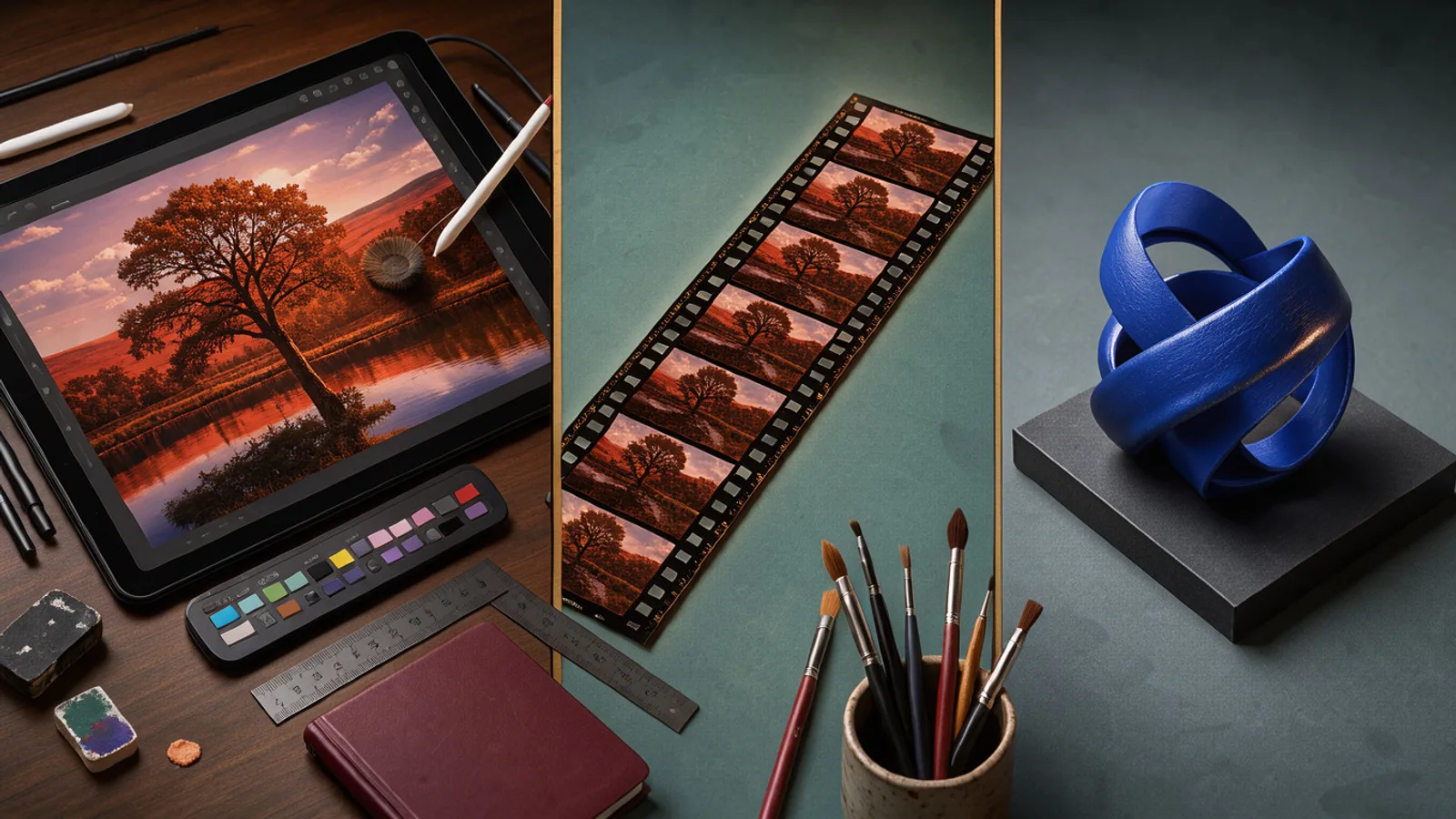 Desk with an image retouching panel, a film strip and a 3D sculpture representing image, video and 3D tools
| Spec | Details |
|---|---|
| Type | Creative studio built on ComfyUI (per the team) |
| Media | Images, video, 3D (per the team) |
| Photo editor | Built-in, described by the team as a free AI-powered Photoshop alternative |
| Runs | Local (per the team) |
| Price | Free (per the team) |
| License | Not announced |
| Supported models | Not announced |
| Hardware requirements | Not announced |
| Output resolution and duration | Not announced |
| Source code link | Not announced |
The "OpenSourceHiggsfield" hashtag suggests an open-source intent, but the posts do not state a license. Treat it as unconfirmed until a repository appears.
For ad teams, the useful part is the interface. ComfyUI is powerful but built around node graphs. A studio interface with an editor attached could make it easier to go from a node graph to a finished ad asset, though no source shows that yet.
CreativeField pricing and free access
CreativeField is described as free by its own team, and it runs locally, so there is no per-generation credit price in the posts. The cost to you is your own hardware and electricity, plus whatever licenses the models you load carry.
No paid tier, hosted version or enterprise plan is mentioned. If a hosted option ever appears, it has not been announced.
For comparison, Higgsfield's own guide to AI video platforms for in-house teams lists its Team plan at $79 per seat per month billed monthly, or $65 per seat per month billed annually, with 1,000 pooled credits per seat per month and a two-seat minimum. That is the price a free local tool would be competing against.
CreativeField vs Higgsfield
CreativeField is pitched by its team as a free, local alternative to Higgsfield, while Higgsfield is a hosted, paid creative suite with Cinema Studio, Marketing Studio, Soul ID characters and Canvas workflows. Both aim at similar users, but one runs on your machine and the other runs in the cloud.
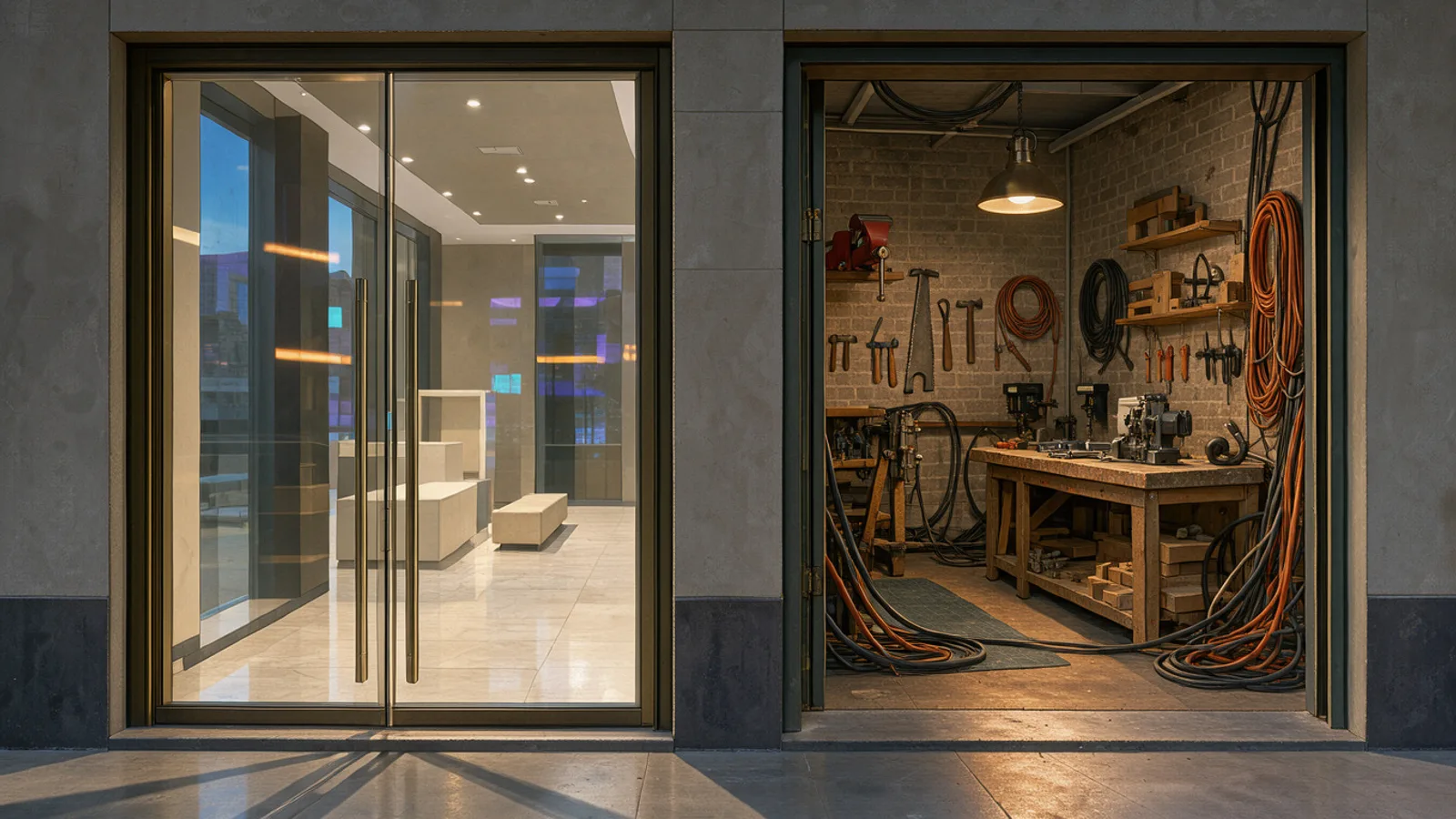 A polished storefront and an open workshop side by side, contrasting a hosted platform with a local tool
| CreativeField | Higgsfield | |
|---|---|---|
| Delivery | Local, built on ComfyUI (per its team) | Hosted platform |
| Price | Free (per its team) | Team plan from $65 to $79 per seat per month |
| Media | Images, video, 3D (per its team) | Video, images, characters, ad tools |
| Collaboration | Not announced | Shared assets, approvals on Enterprise |
| Photo editor | Built in (per its team) | Not specified |
| Editor plugins | Not announced | Premiere Pro and After Effects plugins |
Higgsfield's strengths, per its own page, are collaboration, reusable characters and editor handoffs. A local tool will not match shared review flows out of the box. For a deeper look at how Higgsfield is moving on ad formats, see our piece on Higgsfield Drama Ads.
How to use CreativeField in an ad workflow
CreativeField would fit the pre-production and asset-prep end of an ad workflow: product shot variations, background replacement, retouching and 3D mockups on your own machine. Nothing in the posts shows ad-specific features, so this is a use-case view, not a tested claim.
Where it could help:
- Product visuals. Retouch and recompose product photos in the built-in editor without a Photoshop seat.
- B-roll and hooks. Run local video workflows for rough cuts before spending credits on hosted models.
- Privacy. Keep unreleased product imagery off third-party servers.
Where it will likely not replace a hosted stack: performance teams that need many models side by side, fast turnaround on a laptop, and ties to ad analytics. In AdGraam, teams compare video, image and audio models in the AI Playground, chain steps in Flow Builder, and rebuild competitor formats with Copy Ads. The two can coexist: test ideas on your own machine first, then run them at volume in a hosted workflow.
What to watch next
The open questions are the license, the repository, which models ship by default and what GPU you need. Until the team publishes those, it is unclear whether CreativeField is a finished tool you can rely on or a contest entry still in progress.
Also worth watching:
- Whether the team publishes a changelog or demo clips showing video and 3D output quality.
- Whether #OpenSourceHiggsfield leads to a formal open-source release.
- Whether Black Forest Labs or ComfyUI publish the challenge results with details on how the entry was judged.
We will update this piece when the team posts install details.
What people are posting
🥈 Great work by the team for the ComfyUI challenge. A feature-rich creative studio built on comfy.
CreativeField: Image, video and 3D workflows in one ComfyUI interface, with a built-in photo editor Link: https://i.redd.it/5nupfpab4o0i1.png
Key takeaways
- CreativeField is described by its builders as a ComfyUI-based studio for images, video and 3D that is free and local.
- The builders say they also built a free, AI-powered Photoshop alternative.
- Black Forest Labs (@bfl_ai) praised the team for the ComfyUI challenge on 2026-11-10 and added a silver medal emoji.
- The project carries the hashtag #OpenSourceHiggsfield, and the builders frame it as Higgsfield with ComfyUI's power.
- A Reddit post on 2026-11-09 describes image, video and 3D workflows in one ComfyUI interface with a built-in photo editor.
- Hardware requirements, supported models, license and repository link are not announced.
Compare 200+ AI video and image models side by side
Run Kling, Veo, Sora, Seedance, Flux, Ideogram and Recraft in one Playground, or turn any product URL into ready-to-launch ads.
Frequently asked
What is CreativeField?
According to its builders, CreativeField is a creative studio built on ComfyUI for images, video and 3D. They say it is free and local, with a built-in photo editor that works as a Photoshop alternative.
Is CreativeField free?
According to the team's post quoted by Black Forest Labs, CreativeField is free and runs locally. License terms and any paid tiers are not announced yet.
Who made CreativeField?
The update was announced by the account @Creationeerxyz. Black Forest Labs thanked "the team" for their ComfyUI challenge entry, but the posts do not name the individuals.
How does CreativeField compare to Higgsfield?
The team frames it as Higgsfield with the power of ComfyUI and the simplicity of Photoshop, and tags it #OpenSourceHiggsfield. Higgsfield is a hosted, paid platform, while CreativeField is described by its team as free and local.
Can I use CreativeField for commercial ads?
Commercial terms are not announced. Check the project's license and the license of each model you load before using outputs in paid ads.
Sources
- Best AI Video Platforms for In-House Creative Teams in 2026higgsfield.ai
This story is still unconfirmed: it is based on what people are posting, and the company behind it has not announced it yet. We will update this page as it develops.
More AI model news & creative guides

ComfyArt: Open-Source Canvas Wins BFL Challenge
ComfyArt, an open-source ComfyUI design canvas, won Black Forest Labs' challenge. See the spec table, ad workflow breakdown and how to install it.

Image Upscale up to 8K: Specs & $0.06 Price
Image Upscale up to 8K is live in AdGraam Playground from 1.5 credits ($0.0075). Get the spec table, ad workflow breakdown and access details here.
CapCut Web Ultra: 7 Days Unlimited Seedream Images
CapCut Web Ultra reportedly offers 7 days of unlimited Seedream 5.5 and GPT Image 2.5 generation for Nov 13-19 buyers. Get the spec table, ad workflow tips and access.
Best AI Ad Generators for D2C Brands in 2026
Ten AI ad generators compared for D2C and e-commerce brands: what each makes, real starting prices, free options, and which suits Indian brands paying in rupees.
Break Even ROAS for COD Orders: How RTO Changes the Math
How to work out break even ROAS when a share of COD orders comes back as RTO, with worked rupee examples, a prepaid and COD mix, and why Ads Manager ROAS overstates COD.
What Indian D2C Brands Run on Meta: 2,790 Ads Analyzed
We studied 2,790 Facebook and Instagram ads from 14 Indian brands and their 747 longest-running ads: formats, angles, offers, languages and CTAs that last.
Your move
See your product as a winning ad
Turn a product URL into static ads and UGC-style videos, rebuild the competitor ads that already work, and read your Meta data to know what to make next.
AdGraam News DeskAI video and image news
The AdGraam News Desk (part of AdGraam, also searched as Adgram or Adgram AI) tracks AI image and video model launches, leaks and rumors from labs, leakers and creators, and checks each claim against its sources. Unconfirmed stories say so, and each page is updated as its story develops.