PixVerse FPV Camera Control: Draw a Red Line Path
The short answer
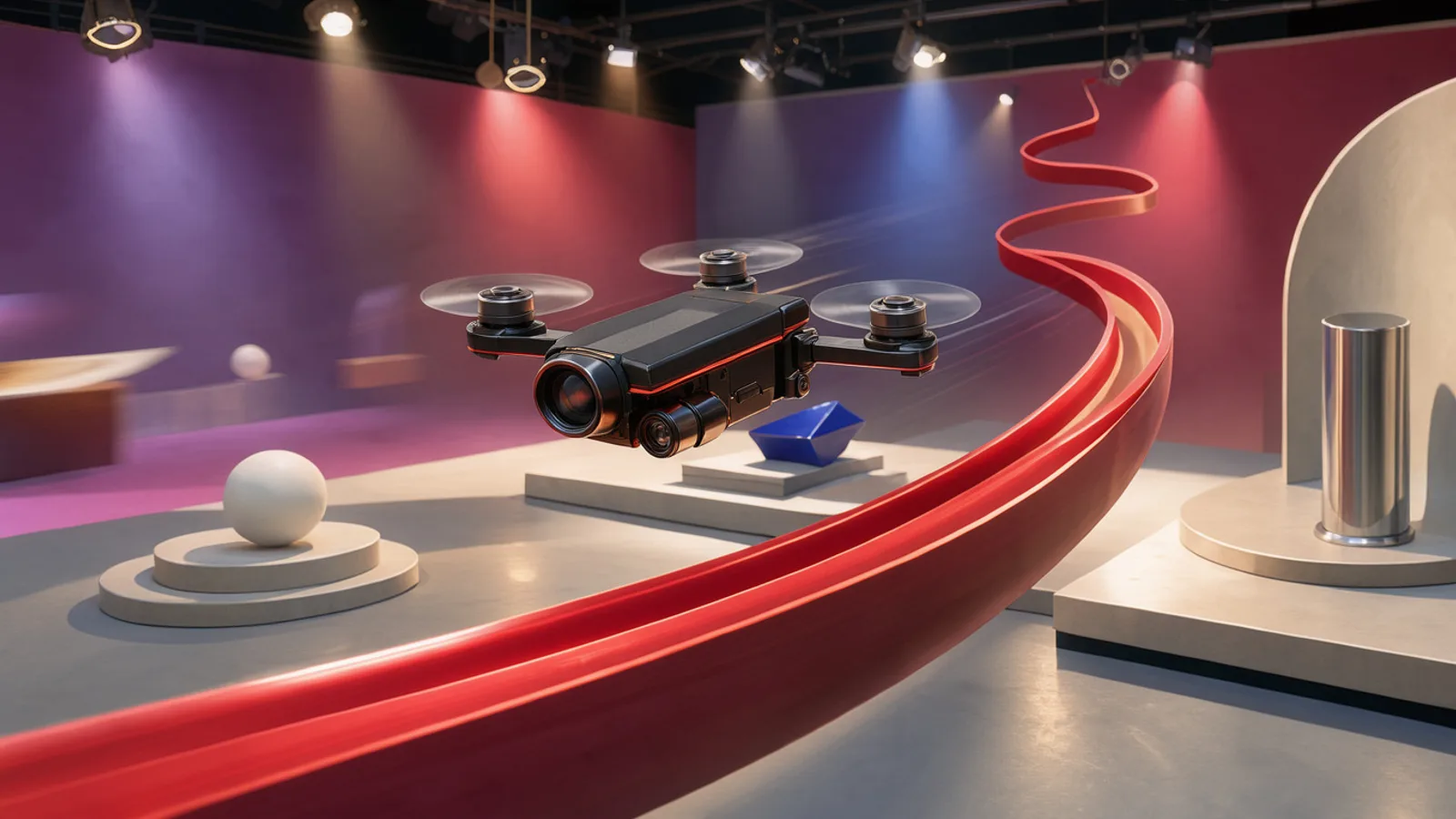
PixVerse announced FPV camera control on 2026-11-08. You draw a red line over a scene to guide the camera, with no complex prompts or manual keyframes, and turn a single image into a cinematic fly-through. PixVerse has not published pricing, duration or resolution details for the feature yet.
On this page (11 sections)
What is PixVerse FPV camera control?
PixVerse FPV camera control is a video generation feature from PixVerse that lets you draw a red line over a scene to steer the camera. According to PixVerse's official announcement on 2026-11-08, it needs no complex prompts or manual keyframes.
PixVerse describes it this way: you start from one image, draw a path, and get a cinematic fly-through. PixVerse says this happens "in seconds."
The announcement is short. It contains one post and a link, and no technical documentation. Everything below sticks to what that post states and flags what remains unknown.
How does PixVerse FPV camera control work?
You upload or select an image, then draw a red line to indicate where the camera should travel. PixVerse says the line replaces both long text prompts and manual keyframes as the way to describe the move.
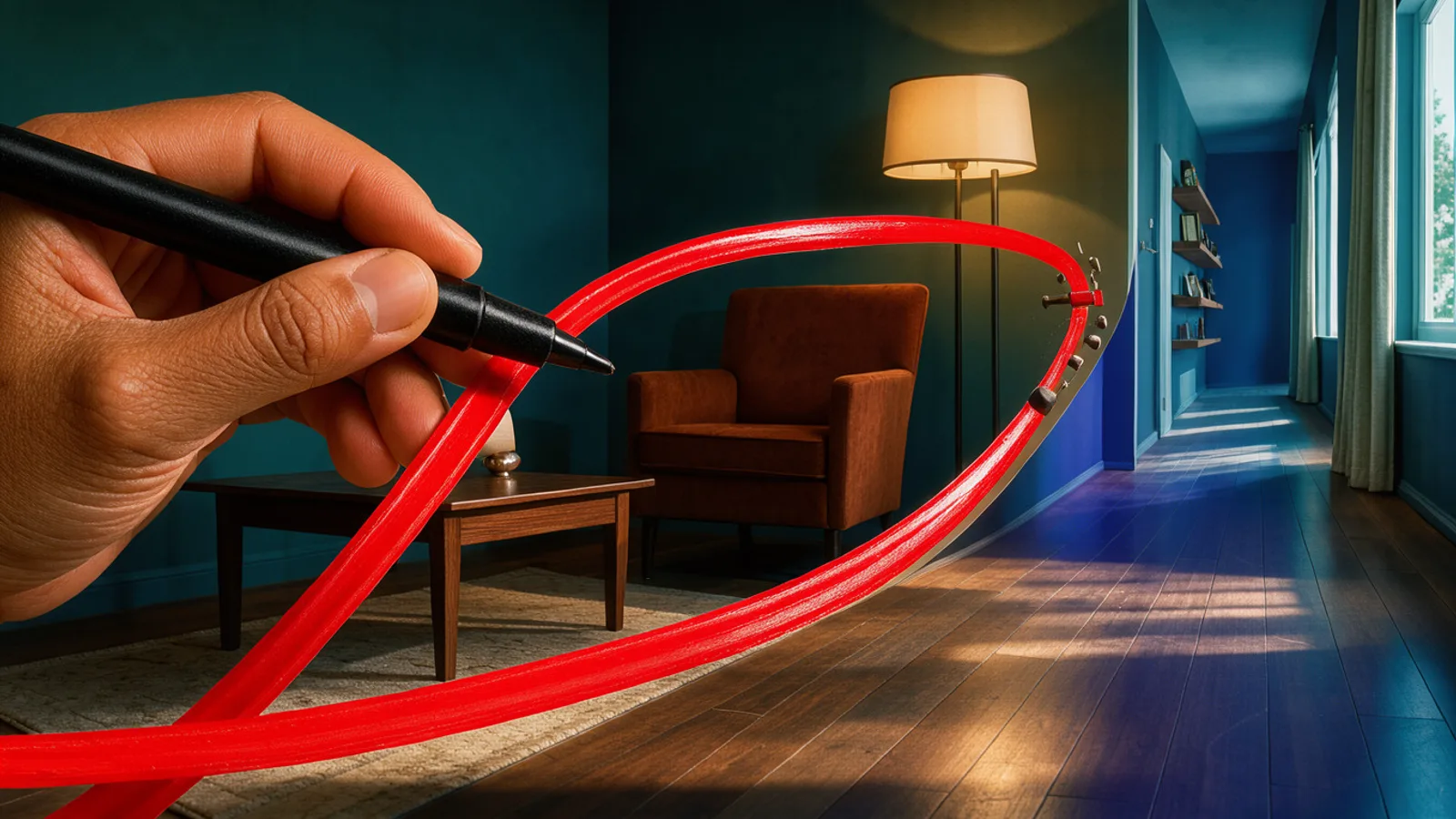 A red line drawn across a still image guiding a camera path
That changes how you direct a shot. You draw the route on the image instead of describing the move in words, for example "camera pushes forward, then banks left past the shelf." If you find motion hard to put into text, drawing may be easier.
PixVerse has not said how the path maps to speed, how it handles depth, or whether you can draw curves, loops or multiple segments. Treat those as open questions until the feature documentation or sample outputs appear.
PixVerse FPV camera control specs and availability
The confirmed facts are narrow: the feature exists, it takes an image, and it uses a drawn red line. Output length, resolution, aspect ratios, audio and API access have not been published.
| Spec | Details |
|---|---|
| Maker | PixVerse |
| Announced | 2026-11-08 (official X account) |
| Input | Single image plus a drawn red line |
| Prompts or keyframes | Not required, per PixVerse |
| Generation time | "Seconds," per PixVerse |
| Max duration | Not announced |
| Resolution | Not announced |
| Aspect ratios | Not announced |
| API | Not announced |
| Feature pricing | Not announced |
PixVerse pricing and access
PixVerse has not published separate pricing for FPV camera control. A third-party roundup from StoryLab.ai lists PixVerse at $8/mo for entry, describing it as a budget option for stylized output. That figure is not tied to this feature, and credit costs per generation are unknown.
Creators on Instagram are already promoting PixVerse workflows, including a reel that links a PixVerse canvas project for a multi-angle car concept. That shows the platform's canvas workflow in use, though it is not a confirmation of how FPV control is priced or gated.
How FPV control compares with other camera tools
Other tools also advertise camera control. StoryLab.ai's roundup credits Runway with Motion Brush and camera control and Higgsfield with cinematic camera control and a preset library. Google, in its Gemini Omni 1.2 Flash launch as reported by Screenweaver, also lists long continuous moves such as FPV flythroughs.
The difference with PixVerse is the input method. Those tools lean on prompts, presets or brushes, while PixVerse puts a drawn line at the center. No head-to-head output comparison exists, so quality claims are unverified. For another recent launch that mentions FPV flythroughs, see our coverage of Gemini Omni 1.2 Flash.
How to use PixVerse FPV control for AI video and static ads
The most natural use is animating a still image. If you already have a product shot, a store interior or a styled set image, you can draw a path through it and see what motion it produces.
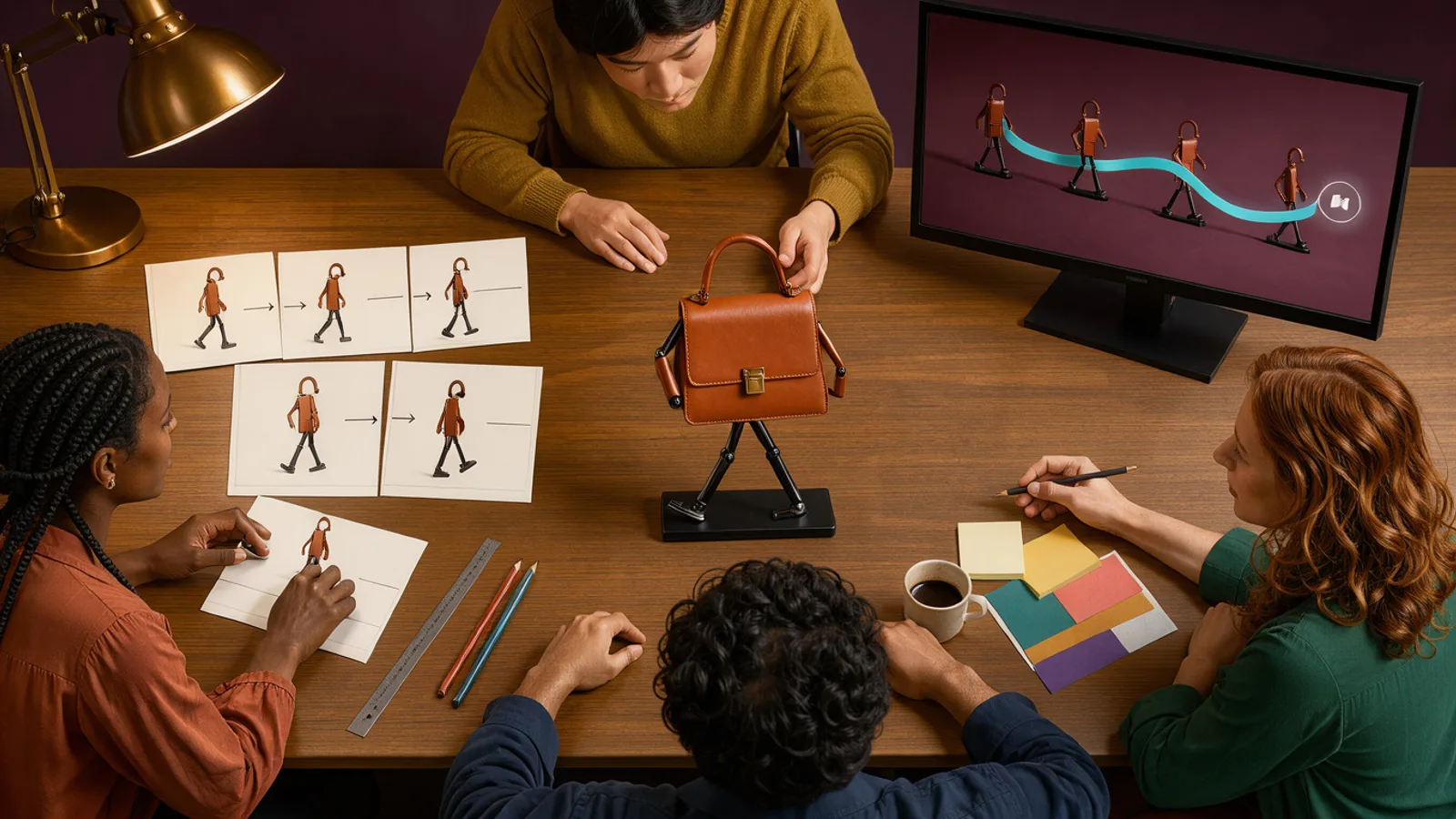 A creative team planning a product fly-through ad at a desk
Practical places to try it:
- Hooks: a fast fly-through toward the product in the first second, a pattern worth checking against your hook rate and hold rate numbers.
- B-roll: movement through a kitchen, showroom or packaging scene without a shoot.
- Product reveals: a path that ends on the hero item.
- Static to video: convert winning static creatives into short motion variants.
Because the feature starts from an image, you can generate the source frame first, then animate it. AdGraam's Creative Generator covers the static side, and the Flow Builder chains image and video models into repeatable steps. You can also compare models side by side in the AI Playground.
Until clip length and resolution are published, plan for testing rather than committing a campaign to it. Check whether the output holds product details such as logos and packaging text during fast motion.
What to watch next
Watch for PixVerse documentation that states clip length, resolution, aspect ratios and credit cost for FPV control. Those numbers decide whether it fits 9:16 paid social placements.
Also look for API access, which would matter to teams building automated pipelines. PixVerse has not said anything on that yet.
Finally, look for real output samples from creators. The announcement shows the idea, but independent examples will show how well the path is followed and how stable the scene stays.
What people are posting
Draw a red line to guide your FPV camera through any scene. No complex prompts or manual keyframes needed Turn a simple image into a cinematic fly-through in seconds https://t.co/OIJ5Ht8NrD
Key takeaways
- PixVerse announced FPV camera control on its official X account on 2026-11-08.
- You guide the camera by drawing a red line through the scene.
- The feature works from a single image and needs no manual keyframes or complex prompts.
- PixVerse says fly-throughs generate in seconds.
- Pricing, clip length, resolution and API availability for this feature are not announced yet.
- PixVerse's entry plan is listed at $8/mo in a third-party roundup from StoryLab.ai.
Compare 200+ AI video and image models side by side
Run Kling, Veo, Sora, Seedance, Flux, Ideogram and Recraft in one Playground, or turn any product URL into ready-to-launch ads.
Frequently asked
What is PixVerse FPV camera control?
It is a PixVerse feature that lets you draw a red line over a scene to guide an FPV style camera path. PixVerse says it turns a simple image into a cinematic fly-through in seconds.
When did PixVerse release FPV camera control?
PixVerse announced it on its official X account on 2026-11-08. PixVerse has not published a changelog with rollout details.
How much does PixVerse FPV camera control cost?
PixVerse has not published separate pricing for this feature. A third-party roundup from StoryLab.ai lists PixVerse plans starting at $8/mo, but that is not specific to FPV control.
Do I need keyframes or long prompts to use it?
No, according to PixVerse. The announcement says no complex prompts or manual keyframes are needed, since the red line guides the camera.
Is there an API for PixVerse FPV camera control?
API availability for this feature is not announced yet. Check PixVerse's developer documentation for updates.
Sources
- Best Text-to-Video AI Tools for Marketers & Creators - StoryLab.aistorylab.ai
More AI model news & creative guides
PixVerse Depth Map Control: Features and How to Use It
PixVerse Depth Map Control lets you recreate the motion of any video with your own character. See how the workflow runs and what it means for ad creatives.

Claude Fable 5.5 Rumor: Leaks, Specs & Status
Claude Fable 5.5 is unannounced. See what the Azure listing, LiteLLM entry and leakers claim, plus Fable 5.1's $10/$50 pricing and what ad teams should do now.
Topview T1: 30s 1080p Video, 2.2 Credits/Sec
Topview T1 is a 30-second, 1080p AI video model priced at 2.2 credits per second. Get the spec table, ad workflow breakdown and access details here.
Best AI Ad Generators for D2C Brands in 2026
Ten AI ad generators compared for D2C and e-commerce brands: what each makes, real starting prices, free options, and which suits Indian brands paying in rupees.
Break Even ROAS for COD Orders: How RTO Changes the Math
How to work out break even ROAS when a share of COD orders comes back as RTO, with worked rupee examples, a prepaid and COD mix, and why Ads Manager ROAS overstates COD.
What Indian D2C Brands Run on Meta: 2,790 Ads Analyzed
We studied 2,790 Facebook and Instagram ads from 14 Indian brands and their 747 longest-running ads: formats, angles, offers, languages and CTAs that last.
Your move
See your product as a winning ad
Turn a product URL into static ads and UGC-style videos, rebuild the competitor ads that already work, and read your Meta data to know what to make next.
AdGraam News DeskAI video and image news
The AdGraam News Desk (part of AdGraam, also searched as Adgram or Adgram AI) tracks AI image and video model launches, leaks and rumors from labs, leakers and creators, and checks each claim against its sources. Unconfirmed stories say so, and each page is updated as its story develops.