PixVerse Depth Map Control: Features and How to Use It
The short answer
PixVerse announced Depth Map Control on November 4, 2026, a feature that uses an uploaded video as a depth reference so you can recreate its motion with your own character, object or scene. The workflow is four steps: open the tool, upload the reference, add your subject, and prompt. PixVerse has not published pricing, resolution or duration limits for the feature.
On this page (12 sections)
What is PixVerse Depth Map Control?
PixVerse Depth Map Control is a video-to-video feature from PixVerse that recreates the motion of an existing video using your own character, object or scene. PixVerse announced it on X on November 4, 2026.
In plain terms, you upload a clip whose movement you like, and the model generates new footage with that movement and a different subject. For ad teams, that means a movement that already works can be rebuilt with a new character or product scene without filming it again.
PixVerse is an AI video generator that handles text-to-video and image-to-video. Depth Map Control adds a third input: a reference video that guides the motion. PixVerse's own blog describes this kind of input, a "video clip, depth map, or skeletal reference," as the approach that gives the tightest motion control, at the cost of needing more source material.
How does PixVerse Depth Map Control work?
Depth Map Control uses an uploaded video as a depth reference, so the generated clip follows the reference's motion while the subject changes. PixVerse lists four steps in its announcement.
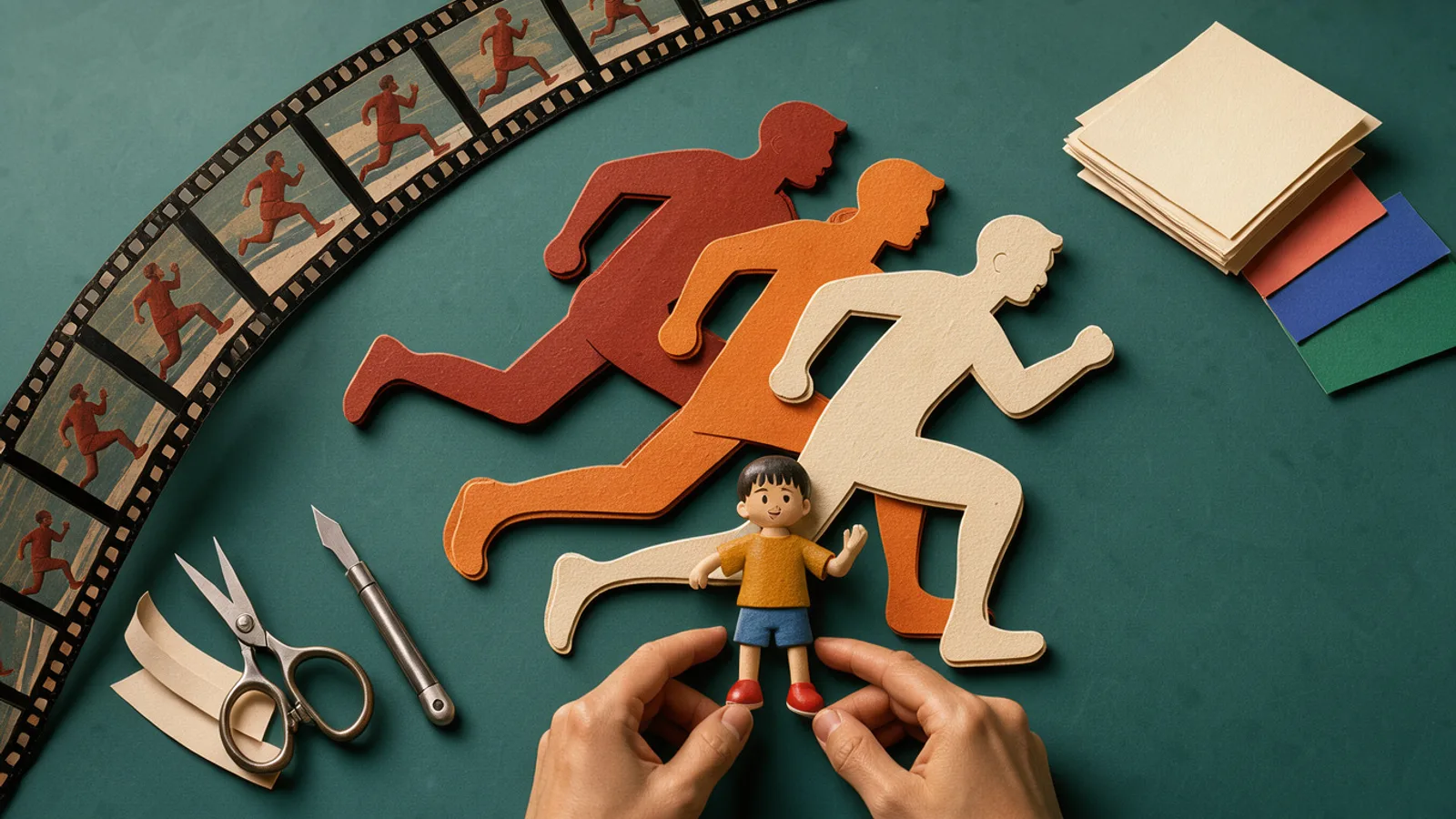 A depth cutout of a figure beside a toy character posed to match its movement
- Open Depth Map Control in PixVerse.
- Upload the video you want to recreate as the depth reference.
- Add your character, object or scene.
- Write a prompt and generate.
An Instagram reel about the feature says that with Depth Map Control you can carry "the movement and spatial structure of a reference video." The dossier does not identify who posted the reel, so treat that wording as the poster's claim.
A Facebook video titled as a pumpkin-headed character dancing at a Halloween party is captioned "same motion, new character." Its description says the software uses depth maps for video-to-video translation. Another Facebook post is described as a tutorial on the Depth Map feature in the PixVerse app. These are promotional or tutorial posts, not independent tests.
PixVerse Depth Map Control specs and availability
Depth Map Control was announced by PixVerse on November 4, 2026, with a public workflow. PixVerse has not published resolution, maximum clip length, credit cost, plan restrictions or API access for it.
| Spec | Details |
|---|---|
| Maker | PixVerse |
| Announced | November 4, 2026 |
| Input | Reference video (depth), plus character, object or scene, plus text prompt |
| Output | Video recreating the reference motion |
| Resolution | Not announced |
| Max duration | Not announced |
| Audio | Not announced |
| Pricing | Not announced |
| API | Not announced |
PixVerse Depth Map Control pricing and free access
PixVerse has not announced separate pricing for Depth Map Control. A youart.ai comparison article says PixVerse operates on credits, and that generation costs vary by model, duration, resolution and feature.
Whether free accounts can use the feature is not confirmed. The same article advises checking an account's current credit terms before planning heavy iteration. Do that before committing to a batch of tests, since motion-transfer runs may need several attempts to land.
Where Depth Map Control sits among input modes
PixVerse describes three input modes for animation generators: text, image and reference clip. The table below summarizes the trade-offs as PixVerse's blog states them, and where Depth Map Control fits.
| Input mode | What it controls | Trade-off per PixVerse's blog |
|---|---|---|
| Text-to-video | Scene, subject and style from a prompt | More freedom, less precision over exact motion |
| Image-to-video | Visual identity from a starting frame | Stronger character consistency across frames |
| Reference clip (Depth Map Control) | Motion path from a video | Tightest motion control, needs more source material |
That framing comes from PixVerse's own content, so it is a vendor view, not a benchmark. It does suggest where the company expects the feature to be used: cases where the movement matters more than a free interpretation of the prompt.
How to use Depth Map Control for AI video ads
For ad creatives, the practical use is motion reuse. A reference clip with a strong hook, such as a reveal, a dance or a product handoff, can be rebuilt with a brand character or a different product scene.
 Mannequins in the same pose wearing different costumes, suggesting one motion with many characters
Possible fits in a workflow:
- Hook variants: keep one movement and swap the subject across several versions.
- Mascot or character ads: drive a brand character with real human motion.
- Seasonal creative: the Halloween posts show the same dance redone with a pumpkin-headed character, which points to holiday versions of one clip.
- Localization of looks: keep the staging and change the character for different markets or audiences.
Plan a test before relying on it. PixVerse has not published guidance on which reference clips work best, how long they can be, or how closely the output tracks the source, so run your own footage and compare results. Track what works with hook rate and hold rate benchmarks.
You can compare PixVerse against other models in the AdGraam AI Playground. If your goal is to rebuild a competitor's winning format, Copy Ads covers that, and Flow Builder can chain image and video steps into a repeatable process once you know what works.
One rights note: if your reference video is footage you did not shoot, clear it before using it as a depth source in paid ads. PixVerse has not published terms for this feature, so that decision sits with your team.
Depth Map Control vs other AI video tools
PixVerse positions itself on character and anime-style clips. Its own blog ranks PixVerse first for image-to-animation and character or anime social clips, with Runway second for cinematic, control-heavy production and Kling third for longer prompt-adherent sequences. That ranking is PixVerse's, not a neutral benchmark.
A youart.ai article ranks Runway (Gen-4.5) first among PixVerse alternatives and Kling AI second, but says its order is not an independently measured performance ranking. It also reports no controlled same-prompt tests.
No head-to-head comparison of Depth Map Control against other motion-transfer tools has been published in the material available. Treat quality claims as unverified until you run your own tests.
What to watch next
Watch for PixVerse to publish credit costs, clip length limits and resolution for Depth Map Control. API availability and commercial license terms are also open questions.
Independent results will matter most. Look for creators posting side-by-side comparisons of reference clips and outputs, especially on product-focused footage rather than dance or costume clips.
Other recent launches worth a look: Luma Character Sheet covers character consistency from another angle.
What people are posting
Recreate the motion of any video with your own character → Open Depth Map Control in PixVerse → Upload the video you want to recreate as the depth reference → Add your character, object, or scene → Write a prompt and generate https://t.co/9vsV2U2mzX
Key takeaways
- PixVerse announced Depth Map Control on its official X account on November 4, 2026.
- The feature takes an uploaded video as a depth reference and recreates its motion with a new character, object or scene.
- The announced workflow has four steps: open Depth Map Control, upload the reference video, add your subject, write a prompt and generate.
- Posts about the feature show a Halloween pumpkin-headed character and a bunny ride built from reference motion.
- Credit cost, resolution, clip length and plan limits for Depth Map Control are not announced yet.
Compare 200+ AI video and image models side by side
Run Kling, Veo, Sora, Seedance, Flux, Ideogram and Recraft in one Playground, or turn any product URL into ready-to-launch ads.
Frequently asked
What is PixVerse Depth Map Control?
It is a PixVerse feature that uses an uploaded video as a depth reference to recreate that video's motion with your own character, object or scene. PixVerse announced it on November 4, 2026.
How do I use Depth Map Control in PixVerse?
Open Depth Map Control in PixVerse, upload the video you want to recreate as the depth reference, add your character, object or scene, then write a prompt and generate. These are the steps in PixVerse's own announcement.
How much does PixVerse Depth Map Control cost?
PixVerse has not published separate pricing for it. A youart.ai comparison article says PixVerse runs on credits that vary by model, duration, resolution and feature, so check your account's current credit terms.
Can I use Depth Map Control for commercial ads?
PixVerse has not published license terms specific to this feature. Check PixVerse's current terms and your plan before running outputs as paid ads.
What limits does Depth Map Control have?
Maximum clip length, resolution and supported inputs for the feature are not announced yet.
Sources
- Pumpkin Head Character Dances at Halloween Party AI Video | PixVersefacebook.com
- The Best AI Animation Generator Tools of 2026, Ranked and ...pixverse.ai
- The Best PixVerse Alternatives in 2026: Free, Android & Realistic AI ...youart.ai
- Spooky ride with my bunny! Watch until the end to see the tutorial on ...instagram.com
More AI model news & creative guides
Luma Character Sheet Is Out: Features and Access
Luma Character Sheet turns your reference images into one consistent character sheet. Here is what Luma AI announced, what is unknown, and how to try it.
Pika H3 Flex Is Out: Features, Pricing and Access
Pika H3 Flex is a post-trained MiniMax H3 video model with open weights, 12 references, audio stems and 4K output. See specs, pricing and how to access it.
Topaz Wonder 4 Is Out: Features, Pricing and Access
Topaz Wonder 4 is live in Topaz for Web and Mobile. See the Mixture of Experts upscale, sharpen and denoise model, API pricing from $0.0428 and plan details.
AI UGC Ads: What They Are, What They Cost and How to Make One
AI UGC ads explained for D2C brands: how they compare with creator UGC on cost and speed, which formats work, the disclosure rules and how to make one.
Hook Rate and Hold Rate: Formulas and Benchmarks for Meta Ads
How to calculate hook rate and hold rate for Facebook and Instagram video ads, what good looks like, how to add them to Ads Manager and what to fix when they drop.
How to Make Static Ads With AI: A Guide for D2C Brands
How to make static ads with AI, step by step: the sizes Meta wants, eight formats worth testing, a brief template and the checks to run before you upload.
Your move
See your product as a winning ad
Turn a product URL into static ads and UGC-style videos, rebuild the competitor ads that already work, and read your Meta data to know what to make next.
AdGraam News DeskAI video and image news
The AdGraam News Desk tracks AI image and video model launches, leaks and rumors from labs, leakers and creators, and checks each claim against its sources. Unconfirmed stories say so, and each page is updated as its story develops.