Recraft Logo Maker Is Live: Features, Pricing and Access

The short answer
Recraft launched Logo Maker on November 2, 2026, a guided flow that turns a few answers about your business into four logo concepts, previews them on mockups and exports a vector file. It is in public beta on desktop and mobile web. Recraft has not published a separate price for the tool.
On this page (11 sections)
What is Recraft Logo Maker?
Recraft Logo Maker is a guided logo generation tool from Recraft that turns answers about your business into logo concepts. Recraft announced it as live on November 2, 2026, and it exports a vector file. It is built for business owners who need a logo for a new business or product.
In its launch post, Recraft said users "answer a few questions about your business, pick a style curated by our designers, and see your logo on packaging and apparel before you export the SVG."
The tool runs outside the Recraft Studio canvas, so users see only the steps that matter for a logo. Recraft's own guide calls it a public beta.
Recraft Logo Maker release date and availability
Recraft Logo Maker went live on November 2, 2026, according to Recraft's official X account. It is in public beta and works on desktop and mobile web. You reach it from Recraft's logo page.
Recraft has not said when the beta will end. API availability for Logo Maker is not mentioned in Recraft's announcement or guide. Recraft's general API offers V4.1 Flash from $0.007 per image, per a TechPilot review, but that is not a Logo Maker price.
How does Recraft Logo Maker work?
Recraft Logo Maker works in six steps: answer questions, pick a style, review four directions, refine one, preview mockups and export a vector. No prompt is needed. Recraft's guide, written by AI Designer Anna Abdulina, describes each step.
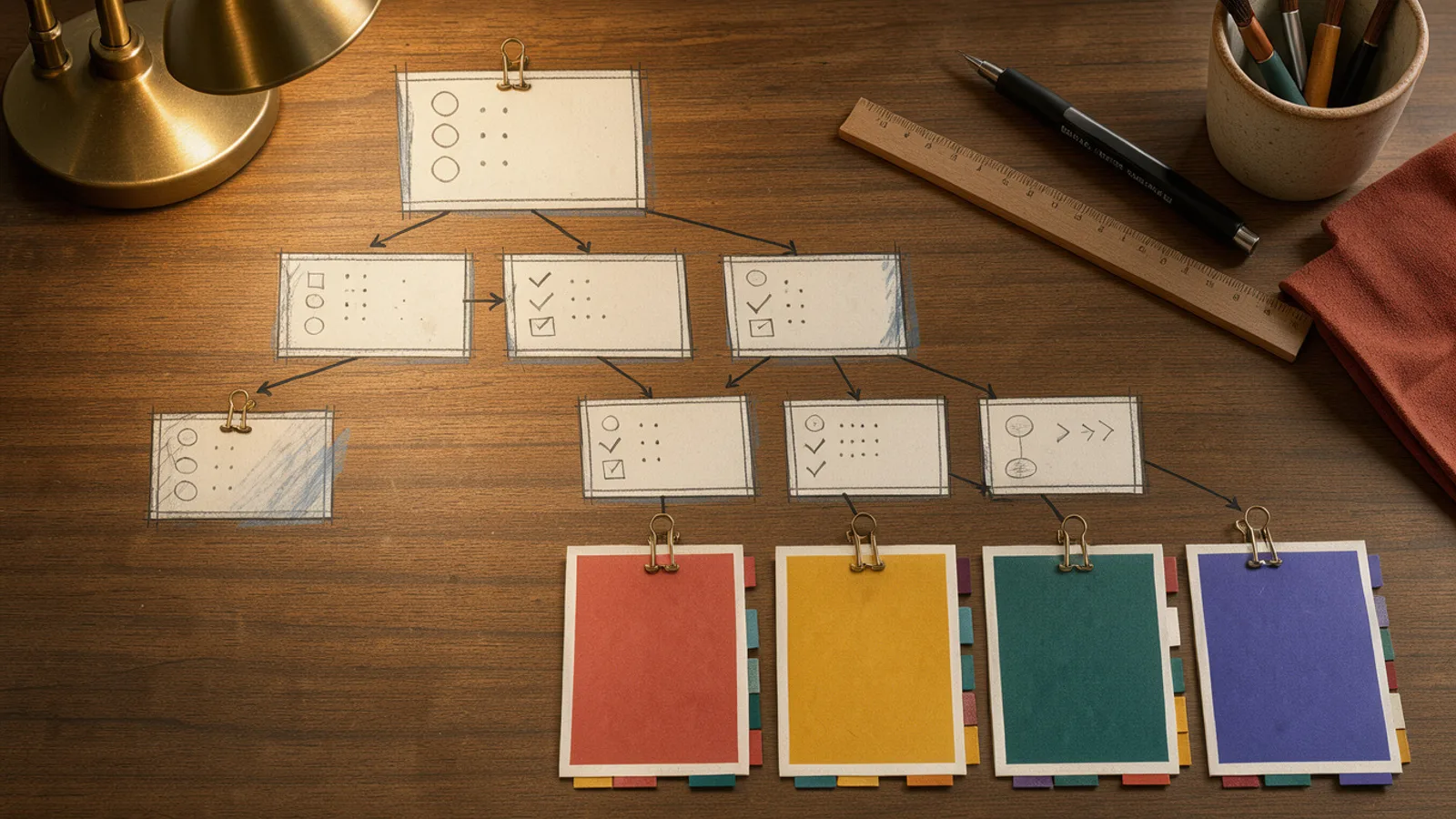 Step cards on a desk leading from questions to four logo directions
- Answer questions. Give your brand name, a short description, the type of logo and the traits it should carry.
- Pick a style. Choose a style curated by Recraft designers, or upload your own image references.
- Review four directions. Recraft generates four deliberately different concepts and chooses the most suitable model for each.
- Refine one. Edit it, change colors, ask for variations, regenerate all four or switch style.
- See it at work. Preview on dozens of mockup scenes. Mockups apply instantly and cost no generation credits.
- Export. Download a vector file.
Because the four concepts are deliberately different, you compare real alternatives before polishing one, instead of iterating on the first output.
Recraft Logo Maker key features and specs
Recraft Logo Maker's core specs are four concepts per brief, designer-curated styles, optional reference uploads, free mockup previews and vector export. Here is what Recraft has stated, with unknowns marked.
| Spec | Details |
|---|---|
| Input | Business questions, no prompt |
| Concepts per brief | 4, deliberately different |
| Styles | Designer-curated, or your own references |
| Model selection | Most suitable model per concept (models not named) |
| Mockups | Dozens of scenes, no generation credits |
| Export | Vector file (SVG) |
| Platforms | Desktop and mobile web |
| Status | Public beta |
| Logo Maker pricing | Not announced |
| API | Not mentioned |
Recraft has not said which models power each concept. Its broader product runs V4.1, V4.1 Vector and V4.1 Flash, plus outside models, according to its Google Play listing.
Recraft Logo Maker pricing and free access
Recraft has not published a separate price for Logo Maker. The wider Recraft plans give context: a TechPilot review lists Free, Basic at $12 and Pro at $20 per month, and notes that credit costs per model are not listed on the pricing page.
Rights matter for brand work. Recraft's own comparison says Free plan images are public and not licensed for commercial use. A logo is a commercial asset, so confirm which plan covers a Logo Maker export before you rely on it. Recraft has not said whether Logo Maker follows the same rule.
How to use Recraft Logo Maker for ad creative
Recraft Logo Maker makes a logo, not ads. For ad teams, the relevant part is that Recraft's guide says the vector export is ready for print, signage and the web, and that you can check a logo on packaging and apparel mockups before exporting.
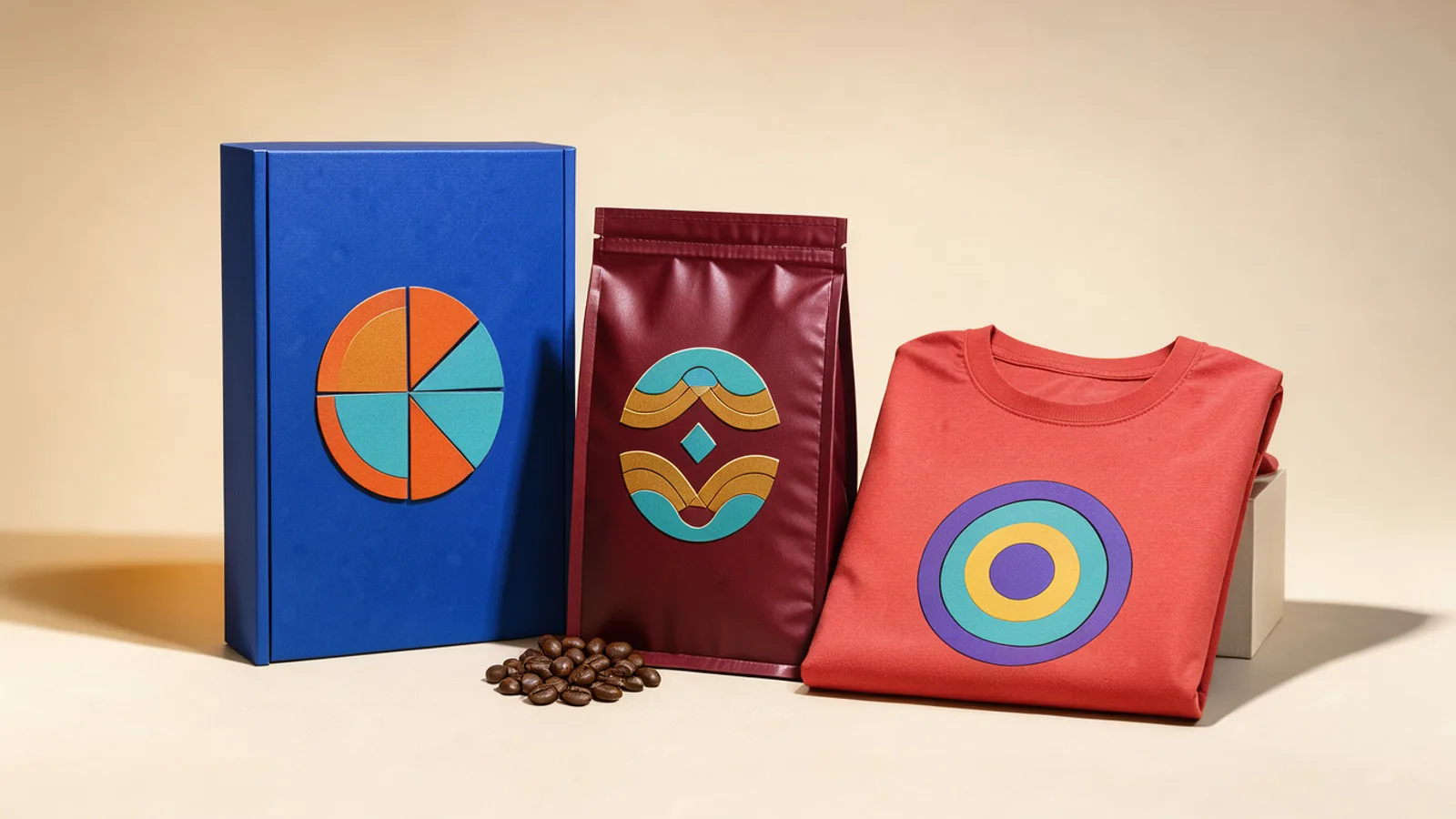 Packaging and apparel mockups sharing one abstract emblem in a bright studio
Recraft does not describe ad workflows for the tool. If you want to try it for ad work, these are possible uses, and they are our suggestions, not Recraft's claims:
- New brands or product lines: compare the four directions and check your pick on the mockups before you commit.
- Ad assets: drop the exported SVG into end cards or product shots in your ad editor. We have not seen Recraft show this.
For the ads themselves, use a tool such as the AdGraam Creative Generator for static ads from a product URL, or the Video Agent for UGC video. Our guide to static ads with AI covers where a logo fits in the layout.
What to watch next
Four things are still open: Logo Maker's pricing and credit use, whether the beta gets an API, what commercial license terms apply, and which models sit behind the four concepts. Recraft has announced none of these yet.
Recraft shipped V4.1 Flash in October 2026, a few weeks before Logo Maker. TechPilot says Flash generates an image in about 1.3 seconds. For other recent model news, see our Vidu Q4 preview. To compare image models side by side, try the AdGraam Playground.
What people are posting
Recraft Logo Maker is live. Answer a few questions about your business, pick a style curated by our designers, and see your logo on packaging and apparel before you export the SVG. Try it now ↓ https://t.co/BLLQWrRFAg
Key takeaways
- Recraft announced Logo Maker as live on November 2, 2026, according to its official X account.
- It is a question-based flow with no prompt writing, and it runs outside the Recraft Studio canvas.
- Recraft generates four deliberately different concepts per brief, choosing the most suitable model for each.
- Styles are curated by Recraft designers, and you can also upload your own image references.
- Mockups apply instantly on dozens of scenes and cost no generation credits.
- The final export is a vector file, and the tool is in public beta on desktop and mobile web.
Compare 200+ AI video and image models side by side
Run Kling, Veo, Sora, Seedance, Flux, Ideogram and Recraft in one Playground, or turn any product URL into ready-to-launch ads.
Frequently asked
When did Recraft Logo Maker come out?
Recraft announced Logo Maker as live on November 2, 2026, in a post from its official X account. A Recraft blog guide published the same day describes it as a public beta.
How much does Recraft Logo Maker cost?
Recraft has not published a separate price for Logo Maker. Recraft's general plans are Free, Basic at $12 and Pro at $20 per month, according to a TechPilot review, but how Logo Maker generations map to credits is not stated.
Is Recraft Logo Maker free to try?
Recraft has not said how much of Logo Maker is free. In its own comparison of image generators, Recraft says Free plan images are public and not licensed for commercial use, so check the terms before using a logo for a business.
How do I get access to Recraft Logo Maker?
Open it from Recraft's logo page at recraft.ai/logo. It is in public beta on desktop and mobile web, and no waitlist is mentioned.
What file format does Recraft Logo Maker export?
It exports a vector file, and the launch post specifically mentions SVG. Recraft's blog guide says the finished logo is ready for print, signage and the web without being redrawn.
Sources
More AI model news & creative guides
Topaz Wonder 4 Is Out: Features, Pricing and Access
Topaz Wonder 4 is live in Topaz for Web and Mobile. See the Mixture of Experts upscale, sharpen and denoise model, API pricing from $0.0428 and plan details.

Flux.3 Image Klein Is Out: Specs, Pricing and Access
Black Forest Labs released FLUX 3 Image Klein, a 5.6B open weights image editing model with 4K output, API pricing from $0.008 per image and local support.

P-H3-Image: Pruna's Open Image Model From MiniMax H3
Pruna AI open-sourced P-H3-Image, an image generation and editing model built from MiniMax-H3: 8 steps, up to 16 MP, 8-image edits, ComfyUI support.
AI UGC Ads: What They Are, What They Cost and How to Make One
AI UGC ads explained for D2C brands: how they compare with creator UGC on cost and speed, which formats work, the disclosure rules and how to make one.
Hook Rate and Hold Rate: Formulas and Benchmarks for Meta Ads
How to calculate hook rate and hold rate for Facebook and Instagram video ads, what good looks like, how to add them to Ads Manager and what to fix when they drop.
How to Make Static Ads With AI: A Guide for D2C Brands
How to make static ads with AI, step by step: the sizes Meta wants, eight formats worth testing, a brief template and the checks to run before you upload.
Your move
See your product as a winning ad
Turn a product URL into static ads and UGC-style videos, rebuild the competitor ads that already work, and read your Meta data to know what to make next.
AdGraam News DeskAI video and image news
The AdGraam News Desk tracks AI image and video model launches, leaks and rumors from labs, leakers and creators, and checks each claim against its sources. Unconfirmed stories say so, and each page is updated as its story develops.