HeyGen Video 1 Is Out: Features, Pricing and Access

The short answer
HeyGen launched HeyGen Video 1 and brought it to its iOS and Android app on November 4, 2026. The model generates picture, dialogue and sound effects in one pass, and the API is priced at $0.02 per second from 480p to 2K. You can try it free on HeyGen's model page (2 clips a day), in the HeyGen app, or through the API.
On this page (11 sections)
What is HeyGen Video 1?
HeyGen Video 1 is a text-to-video model from HeyGen that generates the picture, dialogue and sound effects of a scene in one pass. HeyGen announced the mobile version on November 4, 2026, and the model is also available on the web and through an API.
In its announcement on X, HeyGen said: "Open the HeyGen app, describe what you want, and make the video the second the idea hits." Its developer account added that everything in the launch video was made with the model.
HeyGen is best known for avatar and presenter video. Video 1 is a general text-to-video model that is not limited to presenters, and the company markets it as "The #1 video model."
HeyGen Video 1 release date and availability
HeyGen Video 1 is available now. The mobile app version was announced on November 4, 2026 for iOS and Android, and the model page lists web, app and API access.
Here is where you can use it:
- Web playground: free with a HeyGen account, on the model page.
- HeyGen app: free to start, with scene building around your avatar, your own images and references.
- API: text, image or reference to video, with a playground on HeyGen's platform site.
The model page also links to developer docs with a full prompting guide.
HeyGen Video 1 key features and specs
HeyGen Video 1 produces video with synced audio from a text prompt, and can also take images or references through the app and API. The web playground is limited to 5-second clips at 768p, while the API reaches 2K.
| Spec | Details |
|---|---|
| Output | Picture, dialogue and sound effects in one pass |
| Inputs | Text, image, reference (API and app) |
| Web playground | 5s clips with sound, 768p, 1,000 character prompt limit |
| API resolution | 480p to 2K |
| Aspect ratios (playground) | 16:9, 9:16, 1:1 |
| Styles (playground) | Claymation, live action, anime, screen print |
| API extras | Seeds, webhooks |
| Max clip length (app/API) | Not announced |
| Mobile | iOS and Android |
The seed support matters for creative testing. Fixing a seed lets you vary one element of a prompt and compare results more fairly.
HeyGen Video 1 pricing and free access
HeyGen Video 1 costs $0.02 per second through the API, and it is free to try on the web with 2 clips a day. Longer clips, your own images and 2K output are handled in the HeyGen app, whose pricing is credit based.
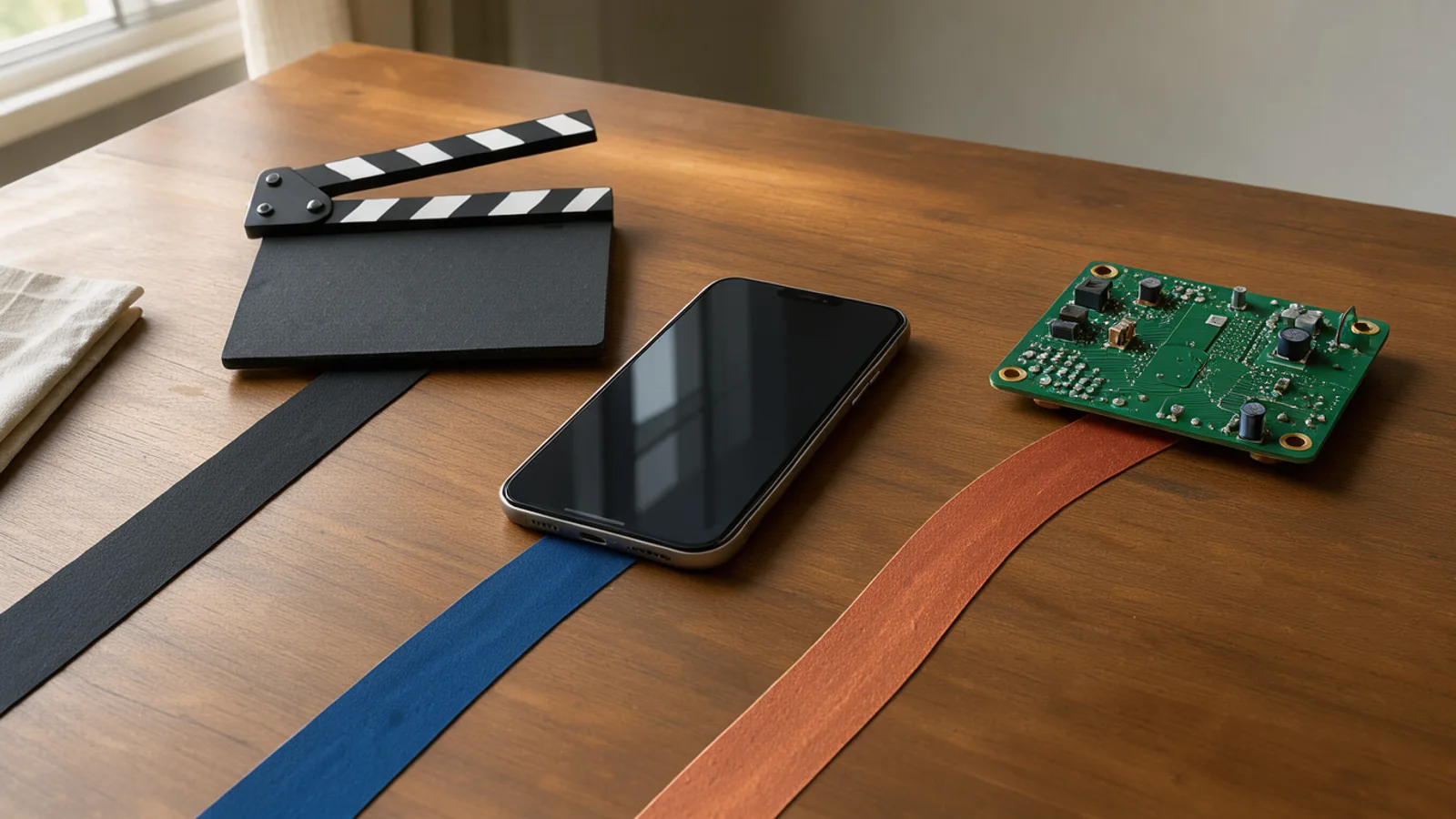 Three objects representing web, mobile and API access laid out on a desk
| Access route | Price | Notes |
|---|---|---|
| Web playground | Free | 2 clips a day, 5s, 768p |
| HeyGen app | Free to start | Longer clips, own images, 2K |
| API | $0.02 per second | 480p to 2K, seeds, webhooks |
At $0.02 per second, a 5-second clip is $0.10 and a 15-second clip is $0.30, before any discarded takes. Budget for re-rolls, since most teams keep only some generations.
For the app, HeyGen's help center lists a Free plan, Creator at $29 per month (600 credits, 1080p), Pro from $49 per month (1,000 credits, 4K) and Business at $149 per month for the first seat. HeyGen has not published how many credits a Video 1 clip uses, and API credits are separate from subscription credits.
HeyGen Video 1 vs competing AI video models
HeyGen says Video 1 ranks first on Artificial Analysis' text-to-video leaderboard, but that is the company's claim and rankings change. On price, HeyGen's own October 2026 comparison gives a sense of the market, though it does not include Video 1.
| Model | Cost per finished minute (HeyGen's estimate) |
|---|---|
| Google Veo 3.1 Lite | $1.50 |
| Google Veo 3.1 Fast | $3.00 |
| Kling 3.0, 1080p with audio | $8.88 |
| Runway Gen-4.5 | $15.00 |
| HeyGen Video 1 API | $1.20 at $0.02 per second |
The last row is simple arithmetic from the API rate, not a figure HeyGen published, and the other rows come from subscription plans, so the comparison is rough. Competitor numbers also come from HeyGen's own blog. For a newer Kling option, see our Kling 4 Flash coverage.
How to use HeyGen Video 1 for AI video and static ads
Video 1 fits short b-roll, product mood shots and hook concepts where sound is generated with the picture. Its prompt guide recommends writing like a shot list, which suits ad teams already briefing in shots.
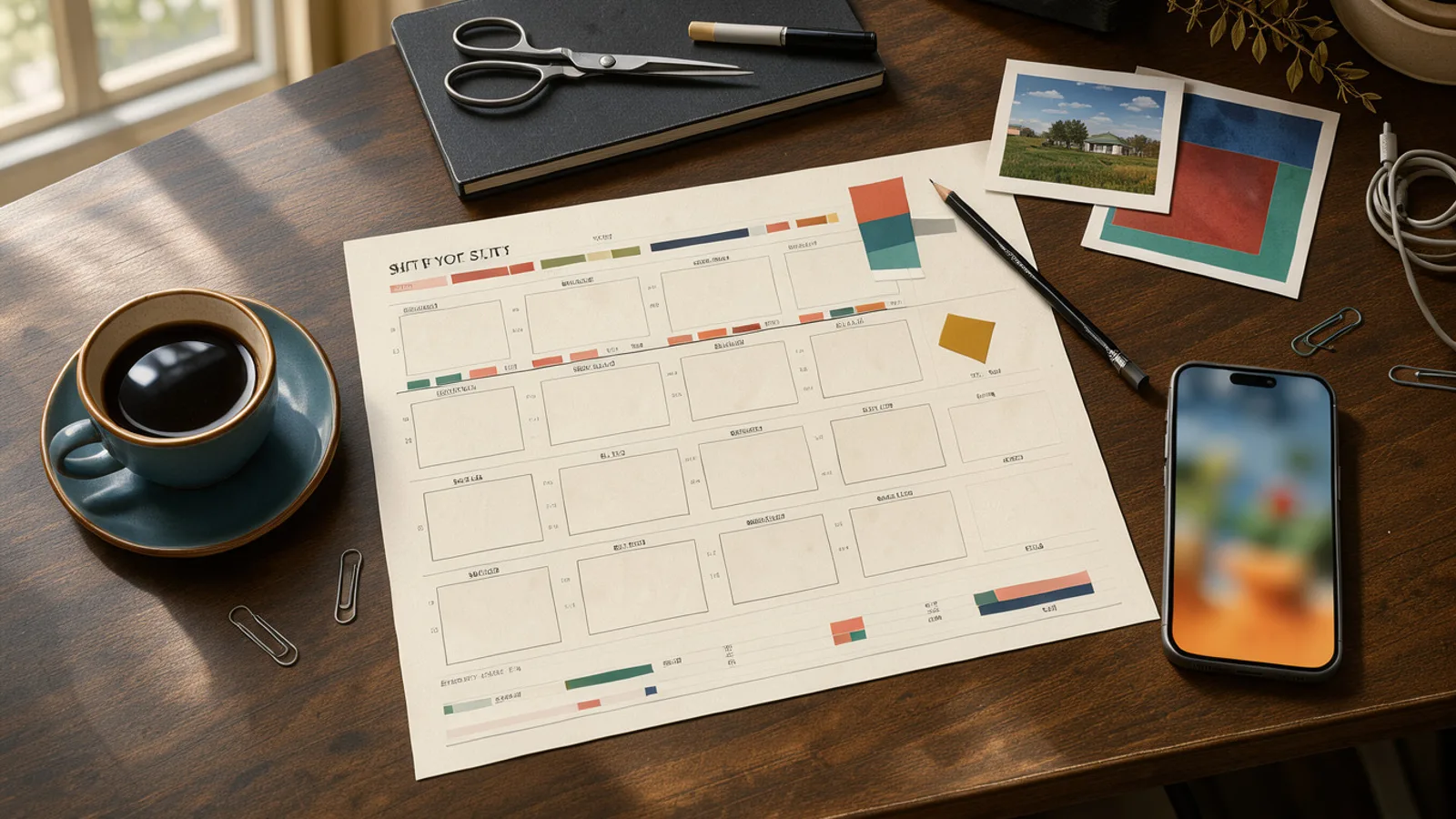 A creative desk with a shot list and a phone showing a vertical video draft
HeyGen's four-part structure:
- Subject and action: one clear subject doing one thing.
- Camera: name the lens and move, such as 35mm, locked off, a slow push in.
- Look: light and grade.
- Sound and limits: what you hear, and what to exclude, like no music or lettering.
Practical uses:
- Hooks: generate several 5-second openers in 9:16 and test them. See our hook rate and hold rate guide for what to measure.
- B-roll: cafe, workshop and kitchen scenes like HeyGen's own examples.
- Style tests: claymation or screen print variants of one concept.
You can compare it against other models side by side in the AdGraam Playground, or chain it with image and upscale steps in the Flow Builder.
Caveats: HeyGen's own prompt guide suggests excluding logos and lettering, so on-screen text is something to plan around. For packaging close-ups, consider real footage or image-to-video with your own assets, and check the output closely before using it.
What to watch next
Watch for independent comparisons, per-clip credit costs in the app and maximum clip length. Check HeyGen's terms on commercial use of generated clips before running paid ads, since the pages reviewed do not spell them out.
Also watch the Artificial Analysis leaderboard. HeyGen's first-place claim may not last once another model is added and ranked higher. The mobile app lets you try a concept from your phone, but the free web limit of 2 clips a day means serious testing will go through the app or API.
What people are posting
We brought HeyGen Video 1 to mobile Open the HeyGen app, describe what you want, and make the video the second the idea hits
Key takeaways
- HeyGen Video 1 generates picture, dialogue and sound effects of a scene in one pass, according to HeyGen.
- The free web playground makes 5-second clips with sound at 768p, 2 clips a day, in four styles.
- The API costs $0.02 per second and supports text, image or reference to video from 480p to 2K, with seeds and webhooks.
- HeyGen says the model ranks first on Artificial Analysis' text-to-video leaderboard (the leaderboard page was not reviewed independently).
- HeyGen announced the mobile version on November 4, 2026 for iOS and Android.
- Supported aspect ratios in the playground are 16:9, 9:16 and 1:1.
Compare 200+ AI video and image models side by side
Run Kling, Veo, Sora, Seedance, Flux, Ideogram and Recraft in one Playground, or turn any product URL into ready-to-launch ads.
Frequently asked
What is HeyGen Video 1?
HeyGen Video 1 is a text-to-video model from HeyGen that generates the picture, dialogue and sound effects of a scene in one pass. It accepts text, image or reference inputs through the API.
Is HeyGen Video 1 free to try?
Yes, in a limited way. The model page offers 2 free clips a day with a HeyGen account, at 5 seconds with sound and 768p. Longer clips, your own images and 2K require the HeyGen app.
How much does the HeyGen Video 1 API cost?
HeyGen lists the API at $0.02 per second. Resolutions run from 480p to 2K. Subscription credits are billed separately from API usage.
How do I get access to HeyGen Video 1?
Sign up for a free HeyGen account to use the web playground, open the HeyGen app (now on iOS and Android), or use the API playground on HeyGen's platform site.
Does HeyGen Video 1 support vertical video?
Yes. The playground offers 16:9, 9:16 and 1:1 formats, which cover feed, Stories and Reels placements.
Is HeyGen Video 1 really the number one video model?
That is HeyGen's claim, citing Artificial Analysis' text-to-video leaderboard. Rankings shift as new models arrive, so check the leaderboard before relying on it.
Sources
More AI model news & creative guides

Pyramid-JiT 2B: Open Weights, Specs and Access
Pyramid-JiT 2B is Linum's open-weights text-to-image model, trained from scratch for about $20K under Apache 2.0. Specs, claims and access explained.
Kling 4 Flash Is Out: Features, Pricing and Access
Kling 4.0 Flash is now open to everyone on the Kling AI website and API. See specs, 3 to 20 second 720p clips, plans, pricing and what it means for ads.

PixVerse Depth Map Control: Features and How to Use It
PixVerse Depth Map Control lets you recreate the motion of any video with your own character. See how the workflow runs and what it means for ad creatives.
AI UGC Ads: What They Are, What They Cost and How to Make One
AI UGC ads explained for D2C brands: how they compare with creator UGC on cost and speed, which formats work, the disclosure rules and how to make one.
Hook Rate and Hold Rate: Formulas and Benchmarks for Meta Ads
How to calculate hook rate and hold rate for Facebook and Instagram video ads, what good looks like, how to add them to Ads Manager and what to fix when they drop.
How to Make Static Ads With AI: A Guide for D2C Brands
How to make static ads with AI, step by step: the sizes Meta wants, eight formats worth testing, a brief template and the checks to run before you upload.
Your move
See your product as a winning ad
Turn a product URL into static ads and UGC-style videos, rebuild the competitor ads that already work, and read your Meta data to know what to make next.
AdGraam News DeskAI video and image news
The AdGraam News Desk tracks AI image and video model launches, leaks and rumors from labs, leakers and creators, and checks each claim against its sources. Unconfirmed stories say so, and each page is updated as its story develops.